Phocus Cinematic: Video Blur
RAY INFORMATICS YAZILIM TEKNOLOJI MEDYA DANISMANLIK VE EGITIM TICARET LIMITED SIRKETI

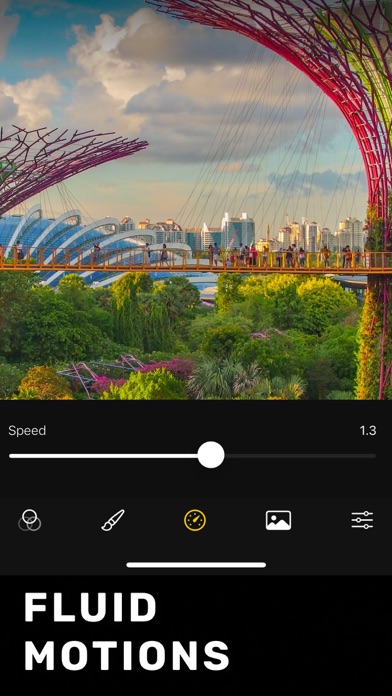
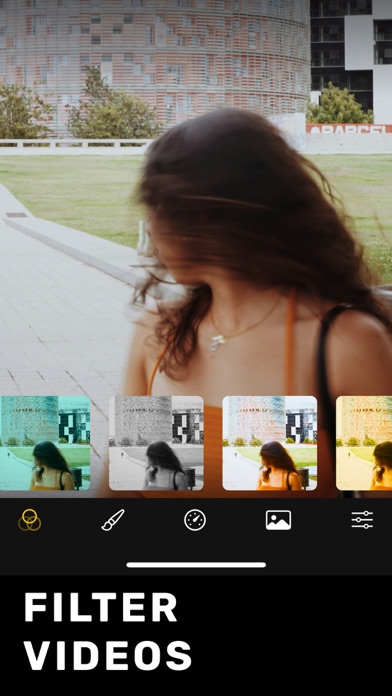
Phocus Cinematic is your ultimate video blur maker for iPhone and iPad, designed to transform everyday footage into cinematic video masterpieces. With its intuitive cinematic mode, you can effortlessly blur video elements to create a striking background video blur effect that highlights your subject in every scene. Ideal for creative professionals, influencers, and everyday users alike, Phocus Cinematic leverages advanced AI-powered person and object segmentation to ensure precise control over which parts of your video remain in sharp focus. Simply tap to blur video backgrounds, and use our innovative brush tools to isolate areas where you want motion to stand out. This seamless editing process lets you create stunning cinemagraphs and cinematic videos that bring your storytelling to life. Customize every detail by adjusting brightness, contrast, and applying filters to enhance the visual impact of your projects. Whether you're working with a green screen or shooting in natural settings, the app adapts to every environment, giving your videos that polished, professional look. And with the option to upgrade to Phocus Cinematic Pro, you'll unlock a full suite of advanced features designed to take your video editing to the next level. Experience the art of visual storytelling with Phocus Cinematic—the app that makes it simple to blur video elements and create captivating cinematic experiences. Terms of use: rayinformatics.com/terms Privacy policy: rayinformatics.com/privacy For support and feedback, visit rayinformatics.com/contact
Screenshots