Text Editor - LiquidLogic
MEGASOFT Inc.

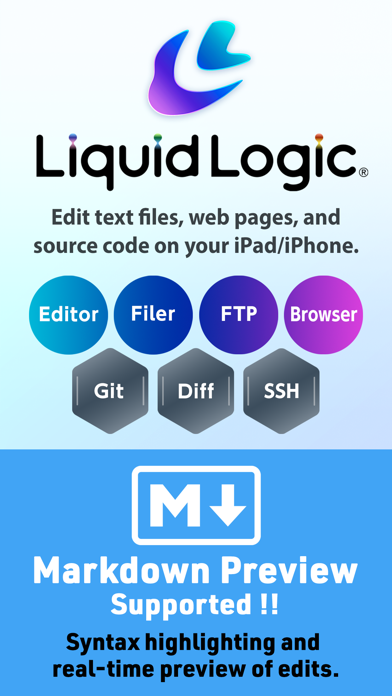
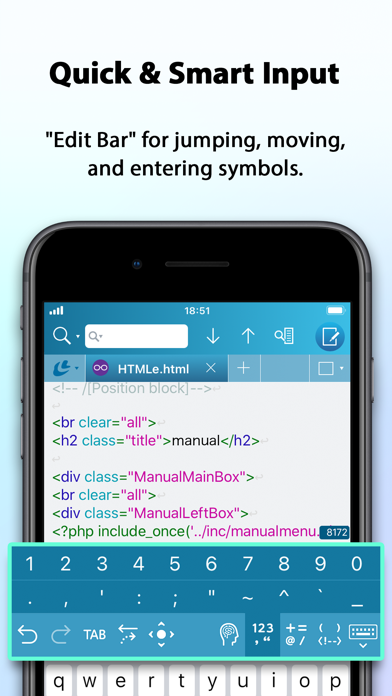
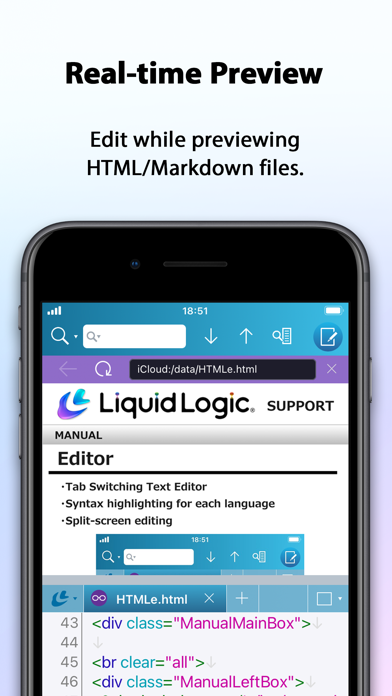
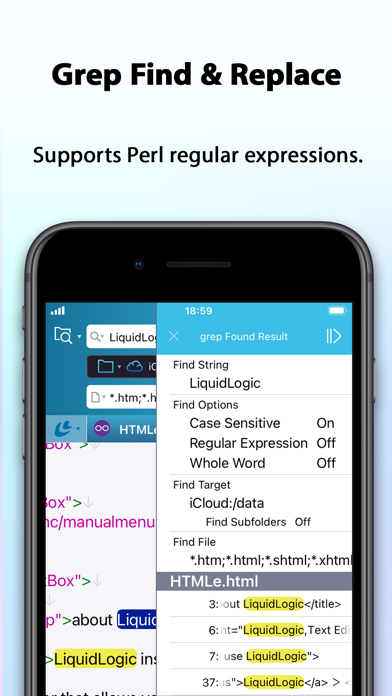
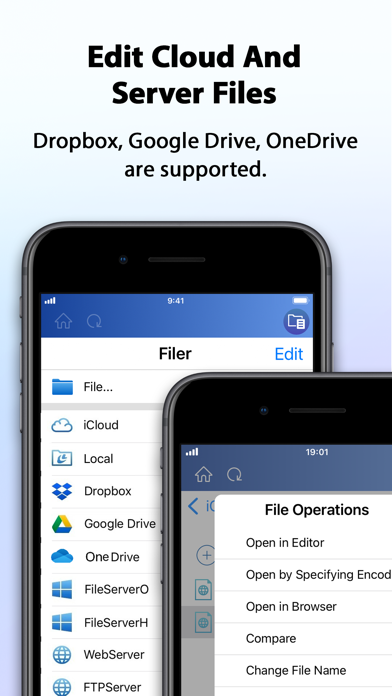
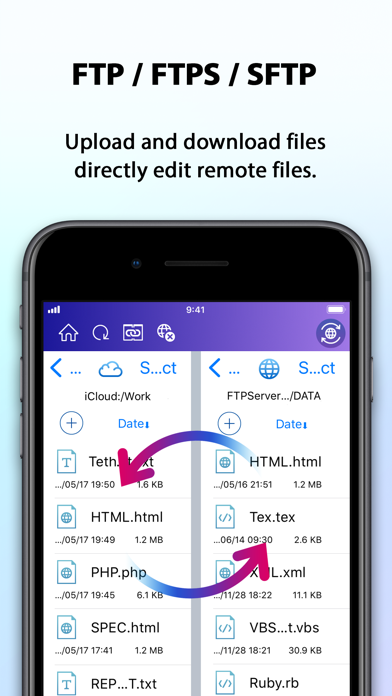
LiquidLogic is a text editor that allows you to edit text files, web pages, and source code on your iPad/iPhone. The highly functional editor is equipped with a filer and FTP to edit files in the cloud and on servers. The dedicated browser can also be used to check web pages and preview HTML. SSH terminal and Git version management functions are also included. All-in-one text editing is possible. MAIN FEATURES • Multiple files can be displayed and edited by switching tabs. • Supports multitasking, allowing you to launch multiple LiquidLogic applications. • Split screen to view and edit two files at the same time. • Real-time search with support for Perl regular expressions. • Equipped with grep find and replace function. • Supports 15 languages including HTML, Markdown, XML, CSS, JavaScript, PHP, Perl, Ruby, and C++. • Syntax highlighting according to language. • Edit Bar for cursor movement and input of symbols, parentheses, numbers, etc. • Supports 34 character codes including Unicode, Shift JIS, EUC, etc., and can change character codes and line feed codes. • Equipped with a filer. Multiple openings and various file operations are possible. • Files in iCloud, iCloud Drive, Dropbox, Google Drive, and OneDrive can be edited. • Supports SMB connection. Directly edit files on servers and NAS devices. • FTP/FTPS/SFTP included. Supports download/upload and direct file editing. • Equipped with SSH terminal. Files can be downloaded and edited from there. • File comparison functionality that allows you to compare two files side by side and clearly show the differences between them. • Git version control functionality. • Built-in ChatGPT functionality. • Preview HTML/Markdown files in real time. • Download the HTML source from the browser and edit it in the editor. • Supports keyboard shortcuts. • Available for Apple Silicon-equipped Mac. ONLINE MANUAL https://www.megasoft.co.jp/support/liquidlogic/manual/index_en.php
Screenshots