Ezy Video Editor: Trim & Crop
Nikhil Anshuman

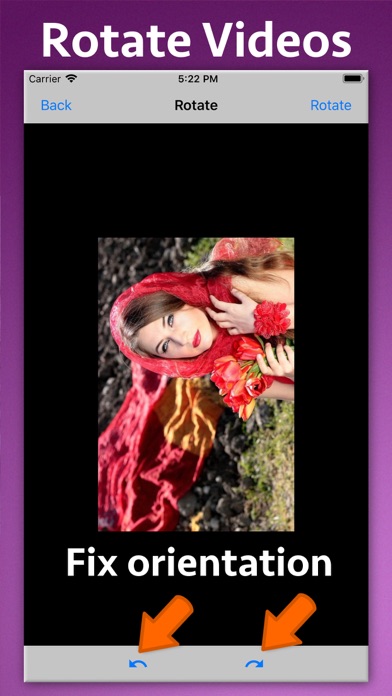
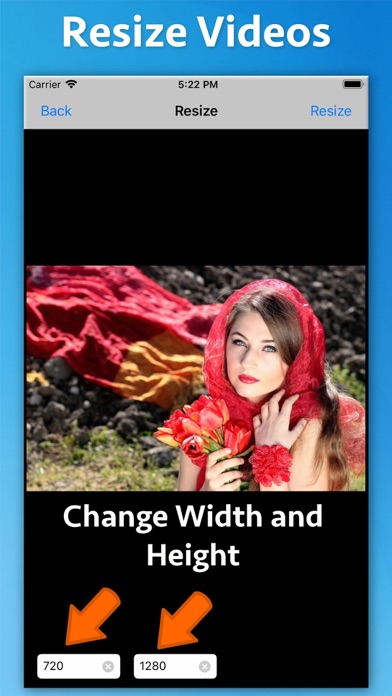
Edit your videos effortlessly! Ezy Video Editor lets you crop, trim, resize, rotate, change speed, extract or add sound — all from one simple interface. Perfect for quick edits, social media posts, or professional use. Key Tools & Features ** Crop Videos Cut out unwanted areas and focus only on what matters most. ** Trim Video Length Remove beginning or ending parts to make short clips or highlight reels. ** Change Video Speed Slow down or speed up playback with clear audio output — create cinematic slow-motion or time-lapse videos. ** Rotate Video Orientation Quickly fix sideways or upside-down videos. ** Capture Frames Extract any frame and save it as a high-quality image. ** Resize Videos Adjust resolution (e.g., 1080p → 720p) while maintaining aspect ratio — great for social sharing or storage saving. ** Extract Audio Separate and save video soundtracks as audio files (MP3, M4A, etc.). ** Add Music or Sound Mix in your favorite background music or voiceover (non-DRM audio). Why Choose Ezy Video Editor ** Fast video processing & export ** Simple, intuitive design ** Supports all major formats ** Maintains video quality ** Perfect for YouTube, Instagram, TikTok, or personal projects Download Ezy Video Editor now — your all-in-one, easy-to-use video toolkit!
Screenshots