Player for Apple Music: Meows
Igor Kravchenko

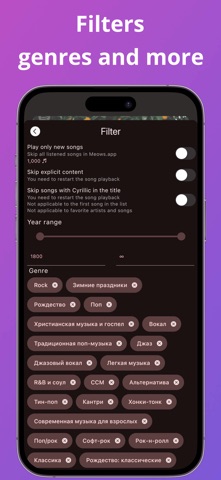
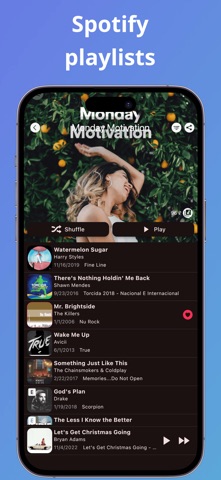
The main idea of the player is to help you find new music. Main functions: + Play Spotify playlists + Copy playlists to library + Copy songs to library playlists + Add playlists to library + Filter by years and genres + Own recommendation system - three types of playlists and recommendations for artists. + Track new releases of your favorite artists + Automatic skipping of Dislike songs and artists + Simple ability to put Love \ Dislike on a song or artist + Auto-add Love songs to the library + Automatic collection of Love songs into a separate playlist + Change the country to view the "Top" selections of other countries + Filter to skip previously listened to songs + Ability to run all Apple Music recommendations as one playlist + Ability to run a separate group of recommendations, as one playlist + A single list of playlists (more than 8k playlists) with the ability to filter and randomly select a playlist. + Saving the current playlist between the starts of the app. + Reading the library of the listened and favorite songs at the start of the application.
Screenshots