Flowbird parking
Flowbird

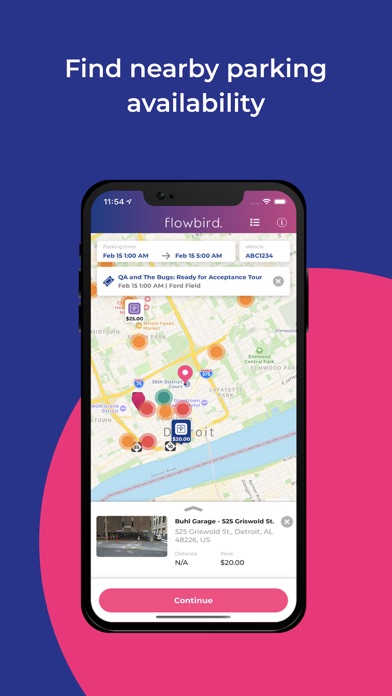
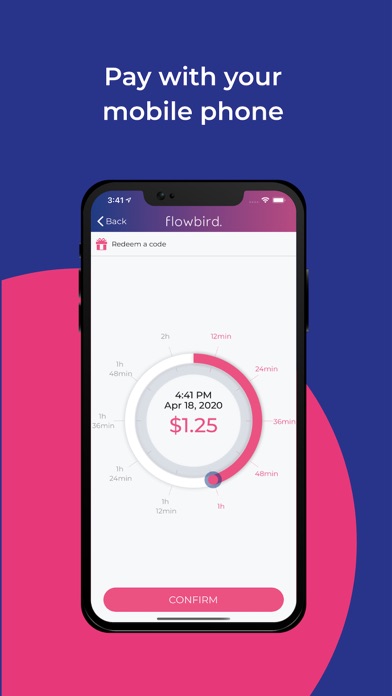
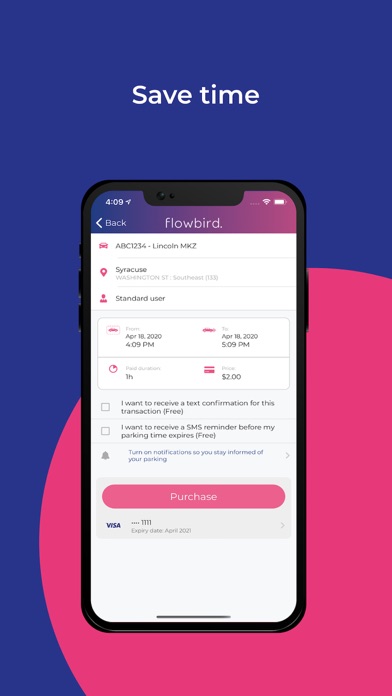
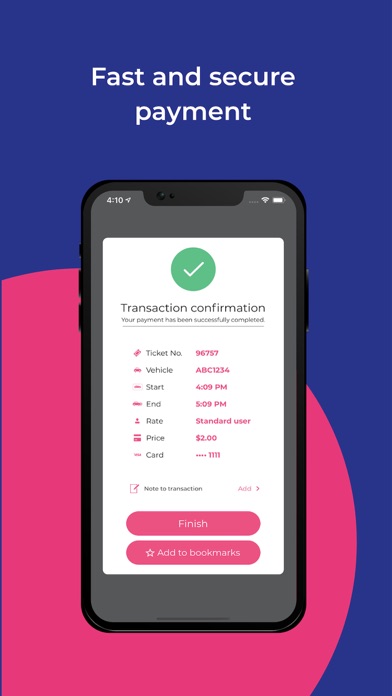
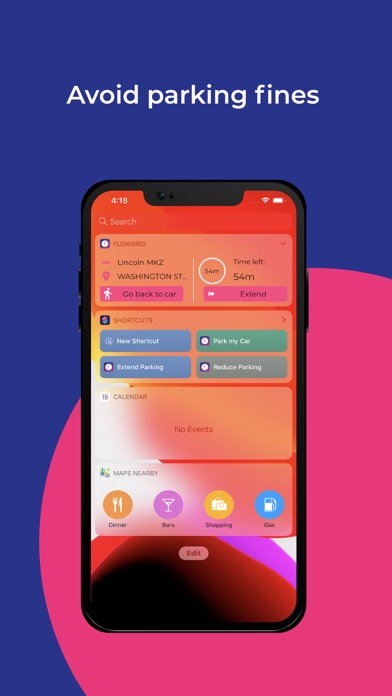
Parking convenience is at your fingertips with the flowbird app. Pay for parking on your mobile device, get notified before your time runs out, and extend your time without visiting a parking meter (note that time extension rules vary location by location). Key features of the app include: • Mobile Payments via smart phone or web • Offstreet garages reservation • Parking Pressure display (for select locations) • Find my car (for those of us who forget where they parked) • Touch ID Registration for flowbird is free: just create your account via the app. Once you’ve created an account, you can park and pay for parking in any location that utilizes the flowbird app. Caution: flowbird is not available everywhere, please consult the list of eligible locations on our website. How to Use the App: • Create an account • Choose the vehicle license plate • Select your location on the map • Use the dial to choose how long you want to park • Confirm your payment Payment with flowbird is ultra secure. Your data is protected and our process is certified via 3rd party audit against Payment Card Industry Data Security Standards. Find more information about our parking services on flowbirdapp.com or feel free to contact us at support@flowbirdapp.com
Screenshots