Smart View - Cast Device to TV
Extreme Solutions Apps SL

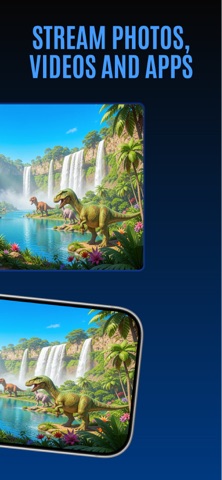
Features: Cast Photos & Videos from your Camera Roll Cast Media Files from your cloud storage accounts Search and play your favorite music tracks Search and cast any media from the internet using the built-in browser Supports queue play Easy media playing controls Please make sure your phone and Smart TV are connected to the same Wi-Fi network. Most modern Smart TVs from the year 2014 and up are supported. In-app purchases: You can be a premium user through auto-renewing subscription. Payment will be charged to iTunes Account at confirmation of purchase Subscription automatically renews unless auto-renew is turned off at least 24-hours before the end of the current period Account will be charged for renewal within 24-hours prior to the end of the current period, and identify the cost of the renewal Subscriptions may be managed by the user and auto-renewal may be turned off by going to the user's Account Settings after purchase Any unused portion of a free trial period, if offered, will be forfeited when the user purchases a subscription to that publication, where applicable Legal: Please see Smart Cast Terms of Services and Privacy Policy: Terms of use: http://www.socem.com/TermsOfUse.html Privacy policy: http://www.socem.com/PrivacyPolicy.html
Screenshots