PRESTO
Metrolinx

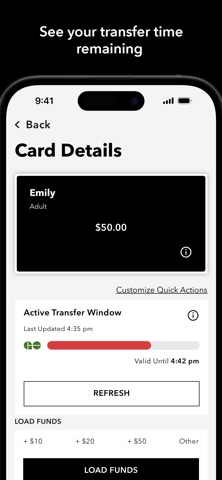
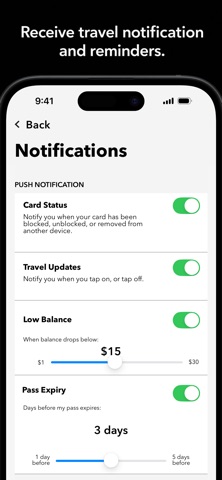
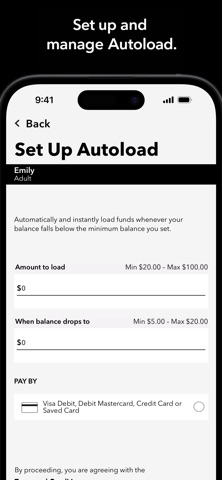
With the official PRESTO app you can manage your card and tap your iPhone or Apple Watch to pay for transit. Use the PRESTO app for iPhone: • Real-time loads, transactions and more • Load funds instantly • Load transit passes instantly • Live transfer window tracking • Move funds between PRESTO cards • Lock or unlock your card if it's missing • Buy and use e tickets for participating transit agencies • Convert a physical PRESTO card to PRESTO in Apple Wallet and tap your iPhone or Apple Watch to pay for transit (not available on OC Transpo) • Pay with Apple Pay, debit/credit cards, or saved payment method • Set up and manage Autoload and Autorenew • Check your PRESTO card balances • View transaction history • Receive low balance/pass expiry reminders and email receipts for fare purchases • Buy a PRESTO card and create a PRESTO account • Set, modify or remove a default trip for GO Transit rail trips through the settings menu PRESTO can be used on: • Brampton Transit • Burlington Transit • Durham Region Transit (DRT) • GO Transit • Hamilton Street Railway (HSR) • MiWay (Mississauga) • Oakville Transit • OC Transpo (Ottawa) • TTC (Toronto) • UP Express (Greater Toronto Area) • York Region Transit/Viva (YRT/Viva) For security reasons, the PRESTO app is not supported on jailbroken devices.
Screenshots