KeePassium (KeePass passwords)
KeePassium Labs

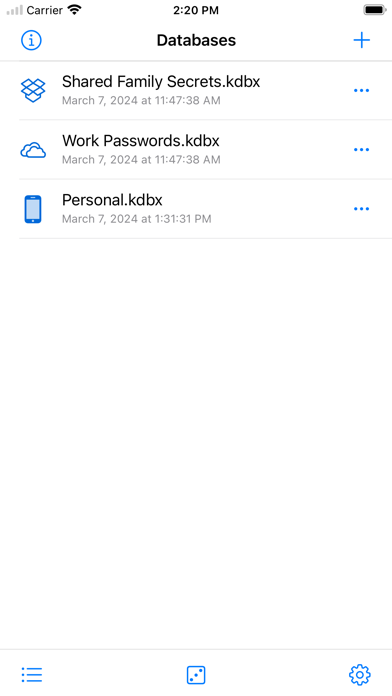
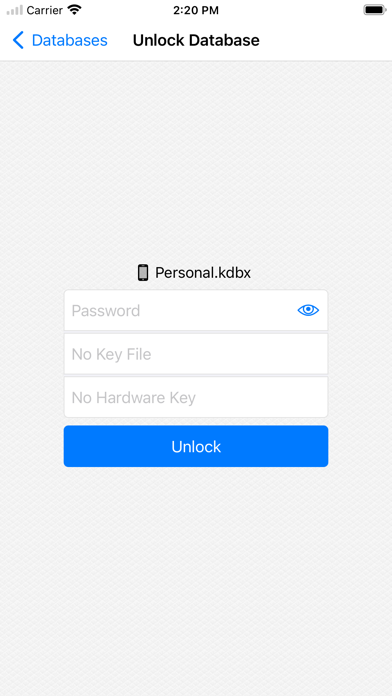
KeePassium is an open-source password manager compatible with KeePass/KeePassXC. Built for IT professionals, power users and privacy enthusiasts, it keeps your data under your control. KeePassium is offline by default, open to review, and independently audited by Cure53. Security • Offline by default — privacy you can verify • Face ID / Touch ID — secure access without typing • Passkeys and one-time codes — when you need more than a password • YubiKey support — strong, hardware-backed protection [Premium] • Password leak audit — detects compromised passwords [Premium] Convenience • Password AutoFill — automatically sign in to apps and websites • Automatic sync — optional, works with major cloud providers or your own server • Multiple databases — share passwords with family and team members [Premium] • Quick registration — create new accounts without switching apps [Premium] • Enterprise storage — keep work passwords in your company’s cloud [Premium] Compatibility • Works with KeePass, KeePassXC, and other KeePass-compatible apps • Supports VoiceOver and large text sizes for accessibility • Premium license covers both iOS and macOS …and of course • No vendor lock-in • No analytics • No ads Privacy KeePassium does not collect any personal data. We sell the app, not its users. Privacy Policy: https://keepassium.com/privacy/ Terms of Service: https://keepassium.com/terms/app EULA: https://www.apple.com/legal/internet-services/itunes/dev/stdeula/
Screenshots