Trip Budget: Travel Expenses
Mobivalley

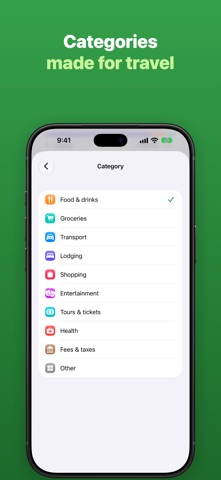
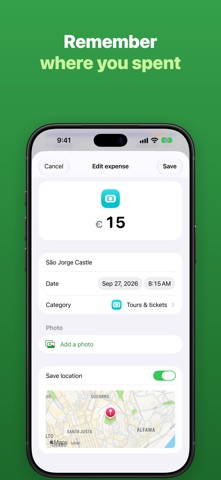
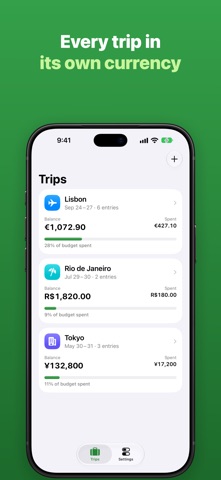
Know exactly how much money is left on your trip. Add what you spend in seconds, in any currency, and see your balance update as you go. HOW IT WORKS • Create a trip, pick its currency and enter the money you're taking. • Add each expense in a couple of taps: amount, what it was, date and category. • Add money in too — an ATM withdrawal, a transfer, cash from a friend. • Your balance, total spent and money in are always at the top. • Expenses are grouped by day, so you see how every day of the trip went. MADE FOR TRAVELLING • Any currency: pounds, euros, dollars, riyals, dirhams, kroner and more. • Type amounts the way you're used to — 12.50 or 12,50 both work. • Categories for food, groceries, transport, lodging, shopping, entertainment, tours, health and fees. • Works offline. No account, no sign-up, no ads. • Your data stays on your iPhone or iPad. PREMIUM (one-time purchase, no subscription) • Unlimited trips — the free version includes one trip. • Photos: attach the receipt or a photo of what you bought. • Location: save where each expense happened and see it on a map. • Export to CSV: open your expenses in Excel, Numbers or Google Sheets, or send them by email. Already bought Premium in an earlier version? Tap Restore purchase in Settings — it's free. Questions or ideas? Tap Send feedback in Settings.
Screenshots