Multitasking Split Screen
ToolStyle

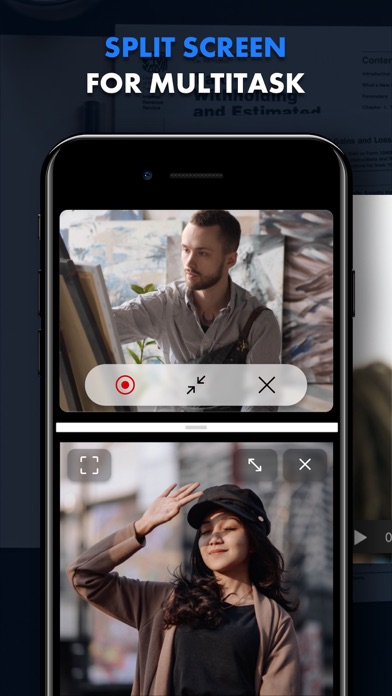
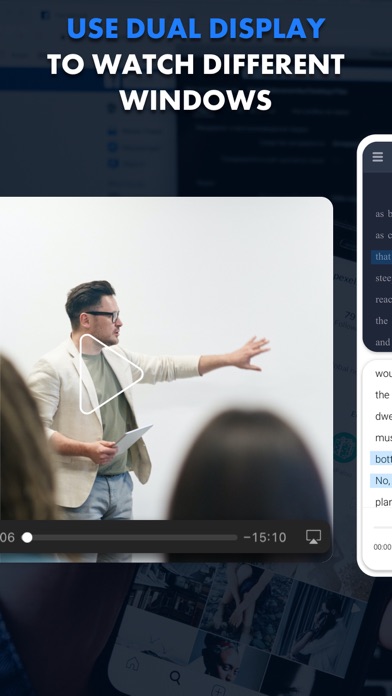
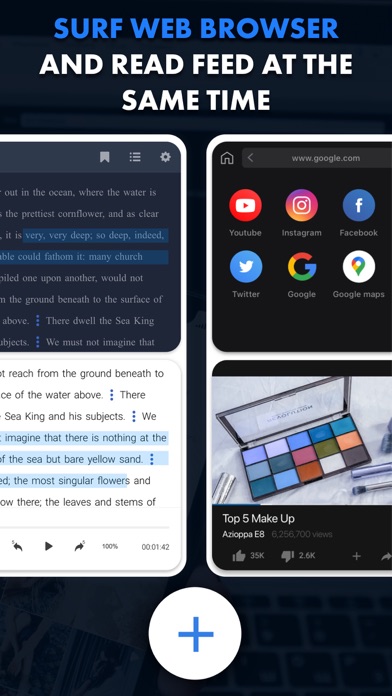
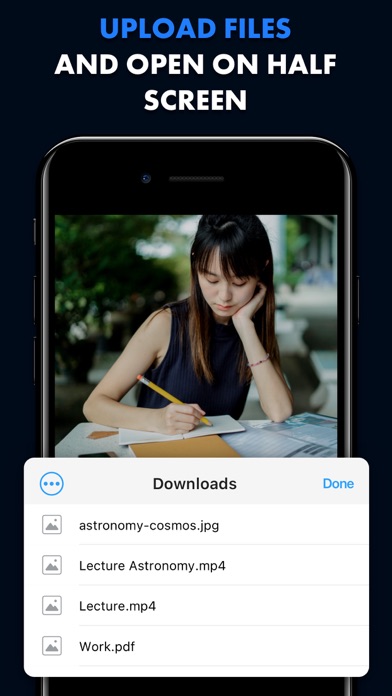
Browse the web, watch videos, work, and study simultaneously on split screen. Stop switching between tabs and apps. Now you can handle multiple tasks and boost your productivity! Key features: — Split screen Divide your screen into multiple windows and enjoy true multitasking. You can watch movies, shop online, and work on documents — all at the same time. — Full customization Easily resize windows to create the perfect layout for your workflow. — Offline access Download PDF, DOC, and TXT files and view them side-by-side — perfect for research or working on the go. — AI-powered translation Instantly translate websites to or from any language with our built-in AI translator, unlocking a world of content. — Recording & streaming Capture your screen and easily record yourself using your webcam. Stream gameplay, tutorials, or connect with your audience. — Lightning-fast navigation Quickly switch between websites in each window with intuitive controls. Optimize your time: — Watch interesting lectures and take notes on the second screen. — Compare products from different markets side-by-side, without endless tab switching or struggling to remember key features. — Check the latest mail while reading news. — Analyze two charts to compare data and uncover key correlations, and much more. Start doing more today. Download now and explore the power of a true multi-window experience! Unlock premium features with a subscription, including video recording and live streaming, file downloads for offline viewing, and AI-powered website translation. Terms of Use: https://tool-style.com/tos Privacy Policy: https://tool-style.com/privacy
Screenshots