TopCard Security
UBS Card Center AG

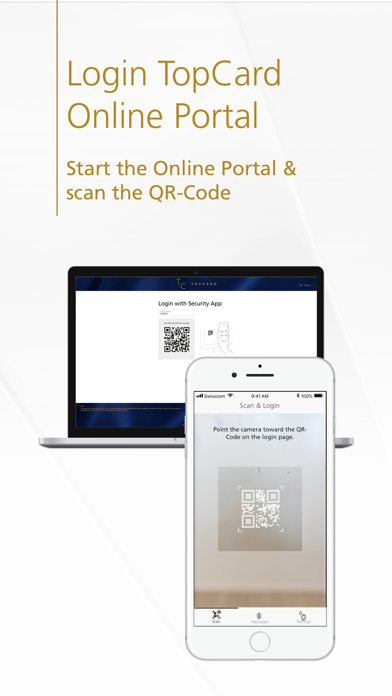
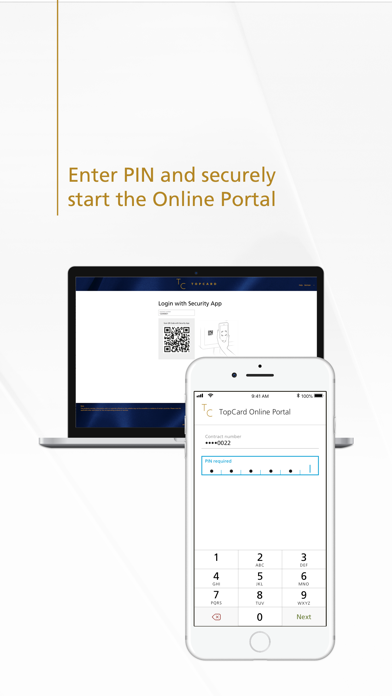
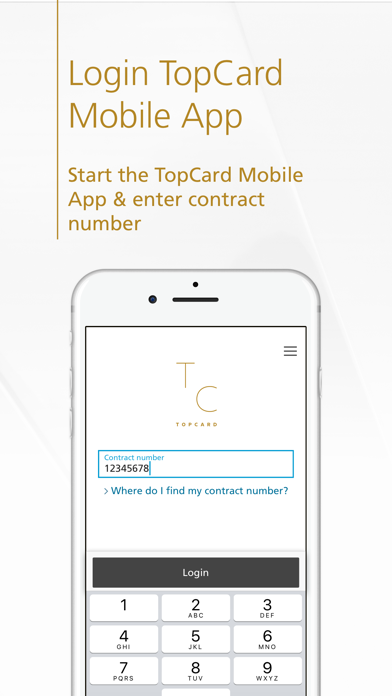
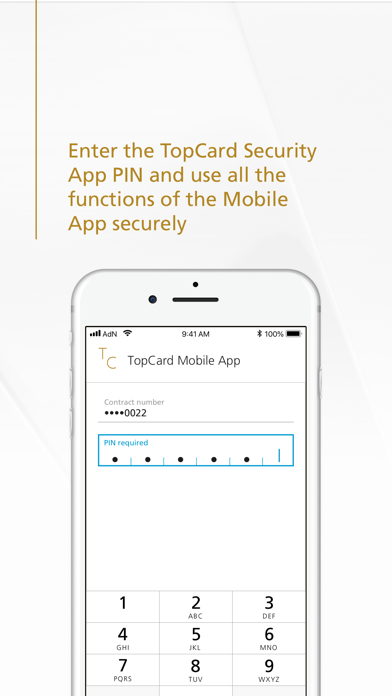
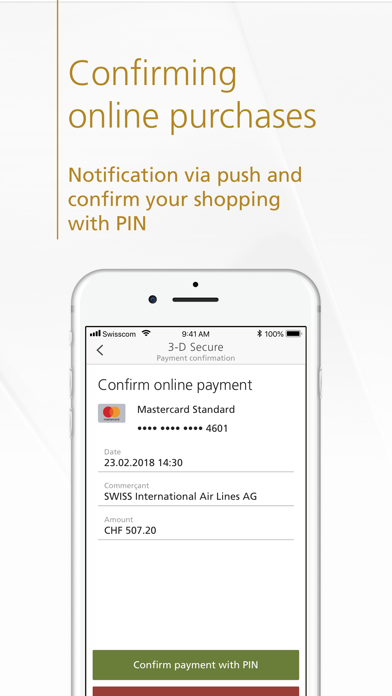
The TopCard Security App is your secure and comfortable gateway to our digital services, such as the TopCard Portal and the TopCard Mobile App. This is how easy it is: • TopCard Portal: Open the login page, scan the QR code with the Security App and enter the PIN to securely log in to the TopCard Portal. • Mobile App: Start the Mobile App, enter the PIN – done! Benefit of the TopCard Security App: • Quick and easy access to digital services This is how secure the TopCard Security App is: • The Security App is protected by a password (PIN) of your choice, even if you should lose the smartphone. • The Security App generates and validates a new security code (one-time password) each time you log in to the Web Portal or Mobile App. • We keep the Security App up to date in order to offer you optimum protection with two-factor authentication at all times. How to activate the app: • Load the "TopCard Security App" on your smartphone. • Start the app and follow the instructions to activate it. Requirements: • TopCard Credit Card or Prepaid Card • Device with iOS 15 or higher • Jailbroken devices are not supported. The TopCard team hopes you enjoy using the TopCard Security App. We are looking forward to your feedback and your rating in the App Store.
Screenshots