WiFi Automation ESP8266
Gopi Gadhiya

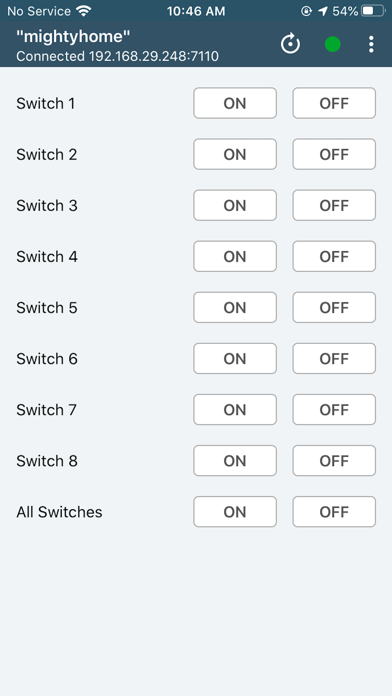
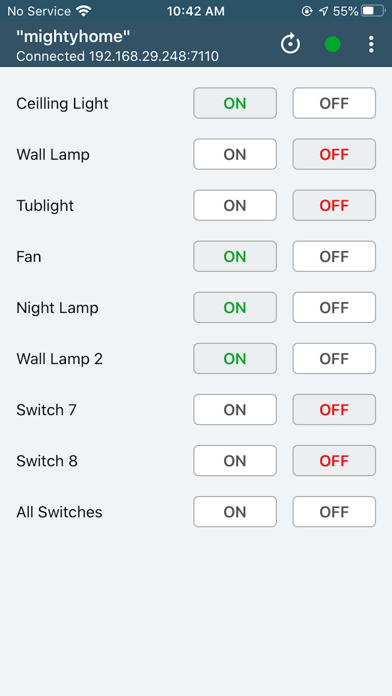
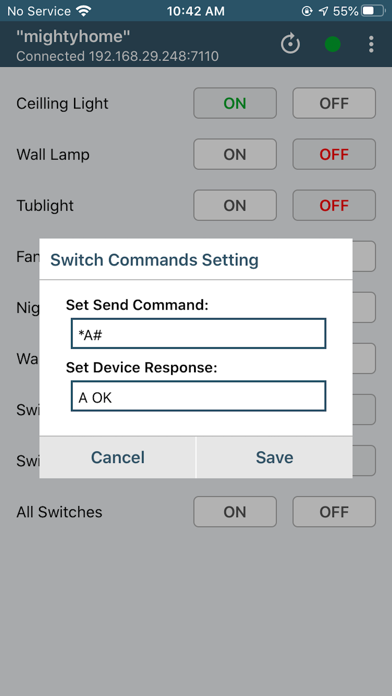
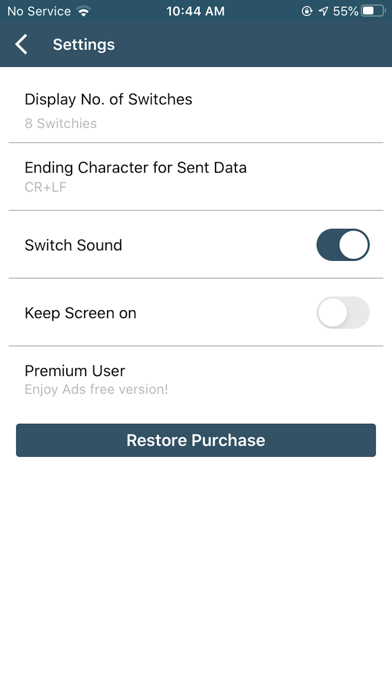
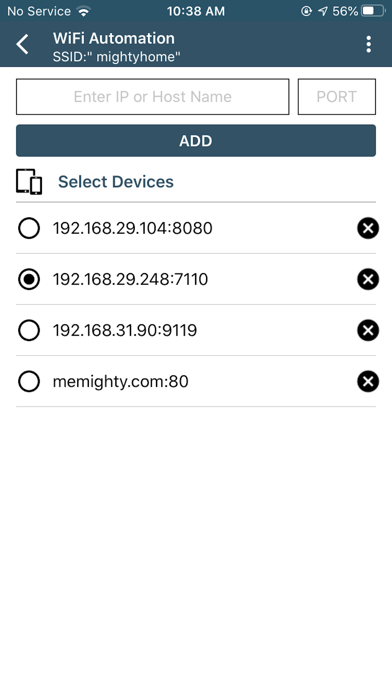
INTRODUCTION: -WiFi Automation is used to control 8 relays with any WiFi module like ESP8266 using TCP/IP Protocol. -To connect with device you have to add IP & PORT of device and select it. FEATURES: - Auto connectivity with last selected device. - User can select number of switches to display - By, Long pressing of any button You can set Sending Commands and define response Commands to display feedback in App. - Switch name can be changeable. - Keep Screen on/off option. - Remove Ads Option. DEFAULT COMMANDS: - Switch1: ON sent 'A' OFF sent 'a' - Switch2: ON sent 'B' OFF sent 'b' - Switch3: ON sent 'C' OFF sent 'c' - Switch4: ON sent 'D' OFF sent 'd' - Switch5: ON sent 'E' OFF sent 'e' - Switch6: ON sent 'F' OFF sent 'f' - Switch7: ON sent 'G' OFF sent 'g' - Switch8: ON sent 'H' OFF sent 'h' - All Devices: ON sent '@' OFF sent '#' By Default, If app get same reply as sent then app will display a feedback.
Screenshots