BasicFlightComputer
MICRI Consult

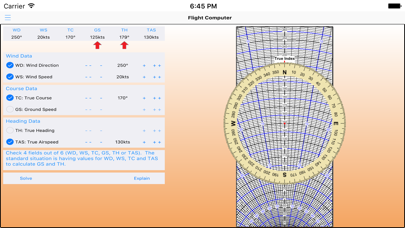
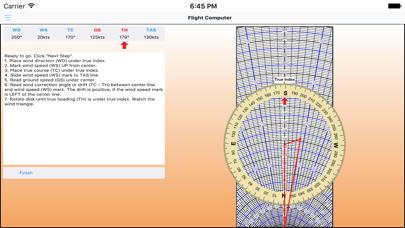
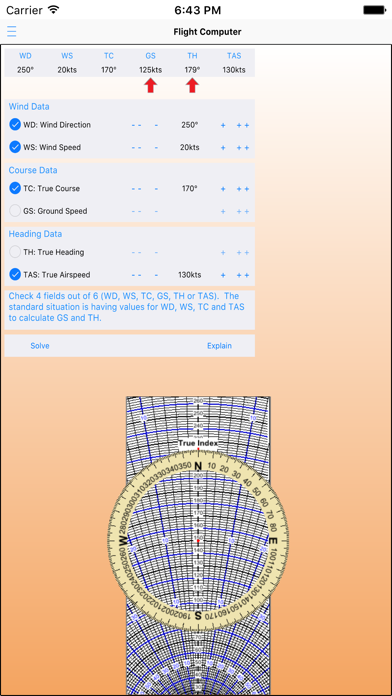
This app solves a wind triangle by allowing you entering four values out of six (three speeds and three angles) and calculating the remaining two. It then explains how you get these results with a flight computer, by animating it. It rotates the disk, slides it and add marks. It also shows what value to use for each step towards the solution. Contains "--", "-". "+" and "++" buttons to enter a value. Click them to decrease/increase a value. Keep the mouse pressed to keep decreasing/increasing a value. "--" decreases 10 times faster than "-" and "++" increases 10 times faster than "+". Features - Solves any kind of wind triangle problem and explains how to find those results on a flight computer. - Contains an accurate visualization of a E6B flight computer. - Animates the different steps towards a solution. - Click the explain tab to get a short explanation of this app. - Changes its language to the language settings of your computer. Only for English (Default), French, German, Spanish and Dutch.
Screenshots