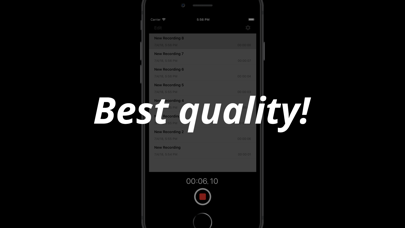
Voice Recording Button
Hayato Shimizu

You will not miss a sudden voice recording opportunity. You can start voice recording directly from the application icon on the home screen or from the widget. You can definitely record voice you do not want to miss! As preparation for emergency, there is no loss even if you install it! [How to use] When you first start up, you are asked for permission to access the microphone, so please be OK. Automatic voice recording starts from the second and subsequent startup. Automatic recording can be canceled at any time, you can use app as a normal voice recorder. [Uses] - When you want to record suddenly. - If you don't like the troublesome operation. - When you need to record immediately anyway. [Characteristic] - Simultaneous voice recording starts with the microphone as it starts up. - You can stop voice recording at any time. - You can check the sound immediately after recording. - You can change the sound quality. (option)
Screenshots