Videoshop EDU - Video Editor
Jajijujejo Inc.

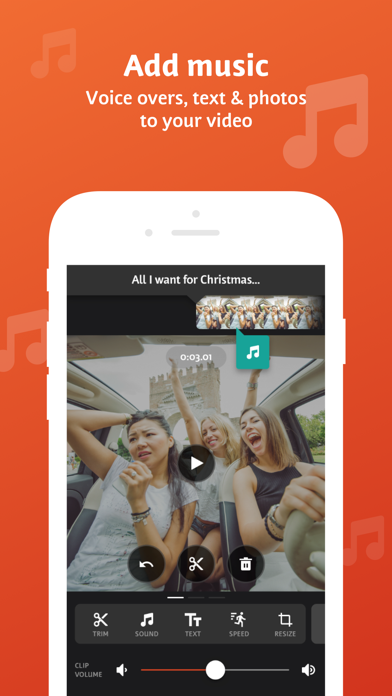
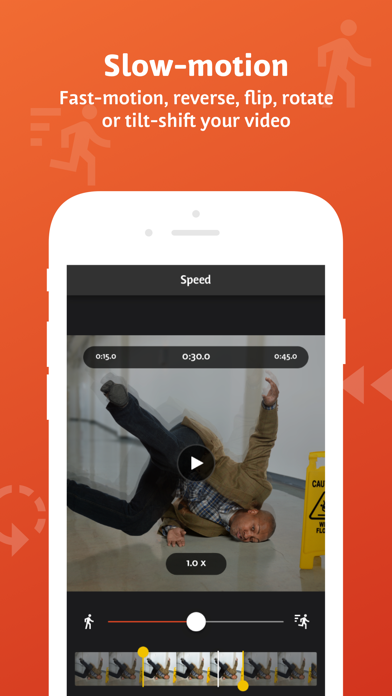
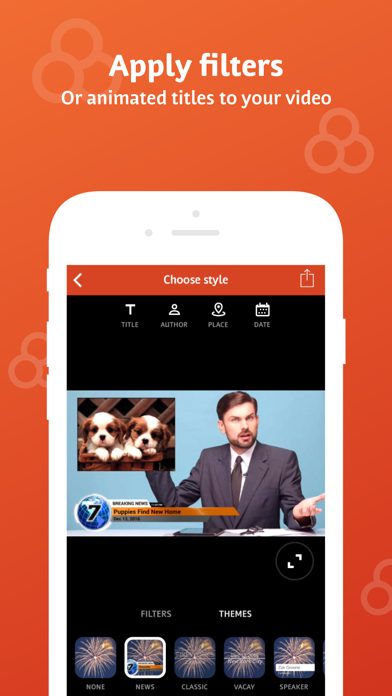
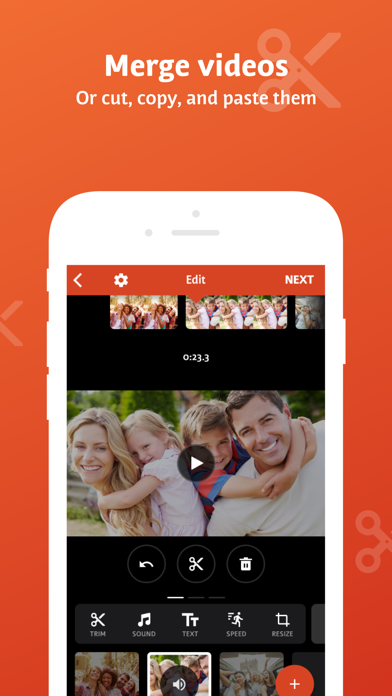
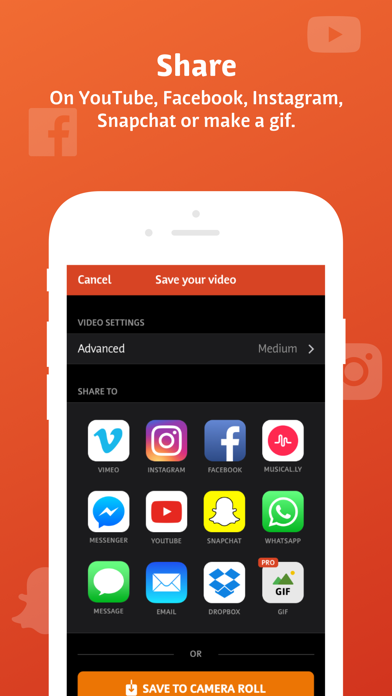
Videoshop EDU is an easy video editor for students and teachers, equipped with fast editing tools, filters and many other effects for personalizing your videos. FEATURES 1. Trim: Cut out any unwanted moments. You can also split your videos into multiple clips. 2. Music: Add from your iPod library. 3. Sound effects: Choose from audience noises, ambience, laughter, etc. 4. Adjust video speed: Adjust video or audio speed to slow or fast. 5. Adjust display: Change Brightness, Contrast, Saturation, etc. 6. Merger: Combine multiple clips into one. 7. Text: Type your own text with color and various fonts. 8. Voice overs: Record your own voice over the video. 9. Animated titles: Introduce your videos with animated titles. 10. Filters: Select from several filters to enhance your videos. 11. Transitions: Choose from many transitions to animate between video clips. 12. Photos: Create slideshows easily. 13. Stop Motion: Create claymation videos with stop motion recording. 14. Resize: Rescale your video within the video frame. 15. Reverse: Playback videos in reverse. 16. Copy: Create duplicate video clips. 17. Tilt Shift: Add depth to your videos. 18. Rotate: Rotate your videos in 90 degree angles. 19. Undo: Undo any slippery editing mistakes. 20. Impose: Add video over video for layered effect! 21. Ken Burns: Add movement and focus to your photos and videos 22. Share on Instagram, Facebook, YouTube, Dropbox or by E-mail. Note: Videoshop is compatible with iPhone and iPad videos only. Using videos from other platforms may cause instability or crashes. Also, adding just an enormous amount of content and effects may overwork your phone's processing power so be modest!
Screenshots