Draw with Beads
Bo Kalvslund

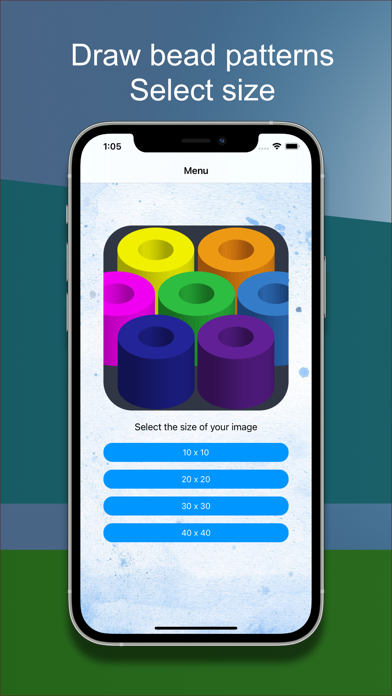
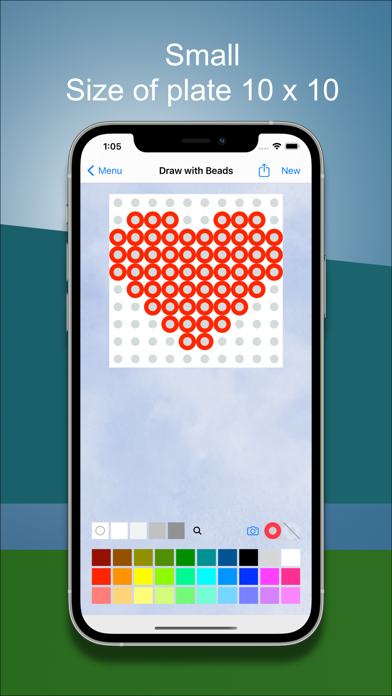
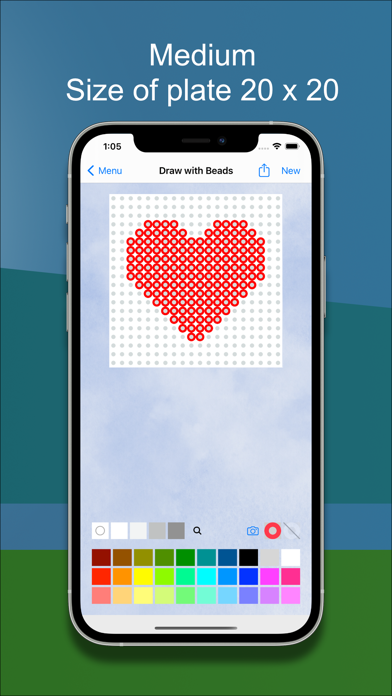
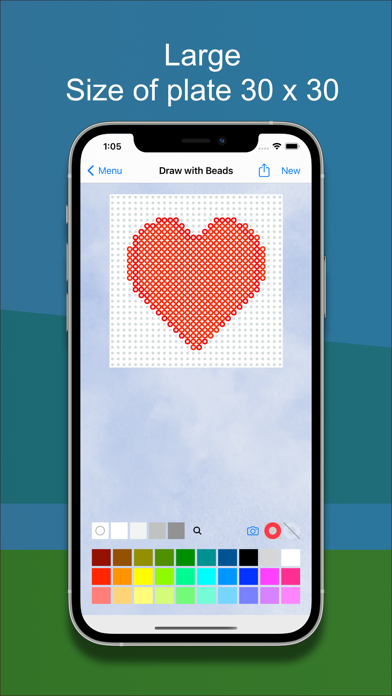
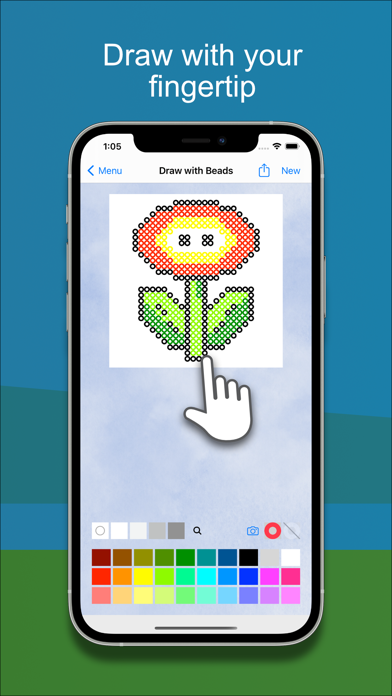
In this app you can make your own beadpatterns by drawing with your finger. Choose the size of your plate: - 10 x 10 beads - 20 x 20 - 30 x 30 - 40 x 40 Turn on the dots to make it easier to draw accurately. Zoom and pan for easy placement of details. Share your pattern with family and friends. Save image to camera roll. To draw, you can also use an Apple Pencil on an iPad Pro. It is not necessary to have either an Apple Pencil or an iPad Pro. The app also works on regular iPhone and iPad. * Change colorpalette * Draw freehand * Zoom and pan for better details * Works on iPhone and iPad You can use your bead pattern as a template to lay beads on a real bead plate. Drawing with beads and making beautiful bead patterns is a great way to spend time and develop your creativity. Drawing with Beads is an app for children as well as for adults.
Screenshots