TCP Telnet Terminal
Gopi Gadhiya

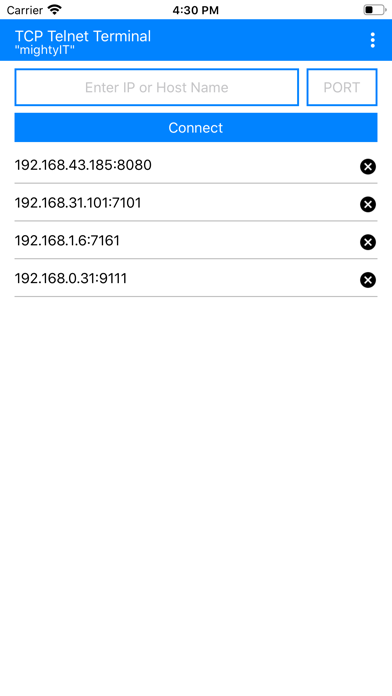
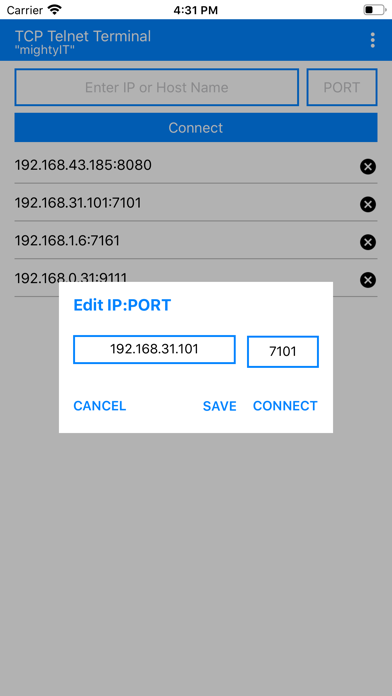
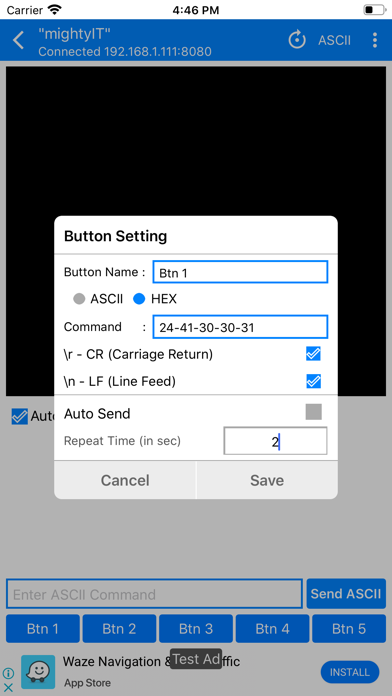
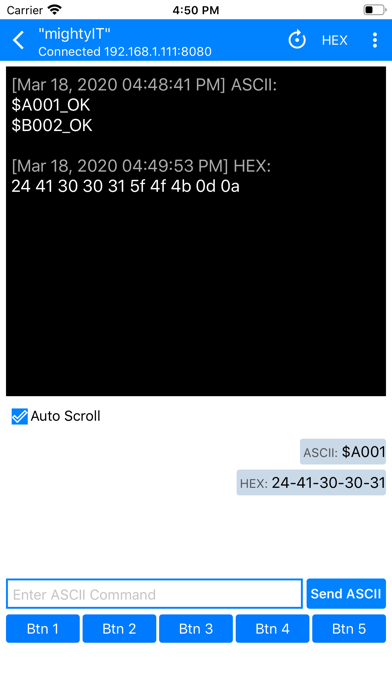
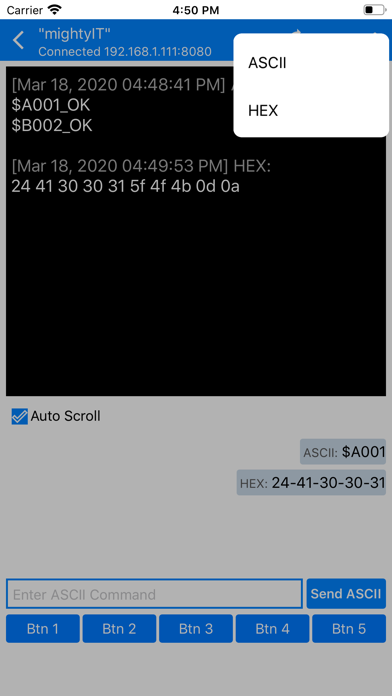
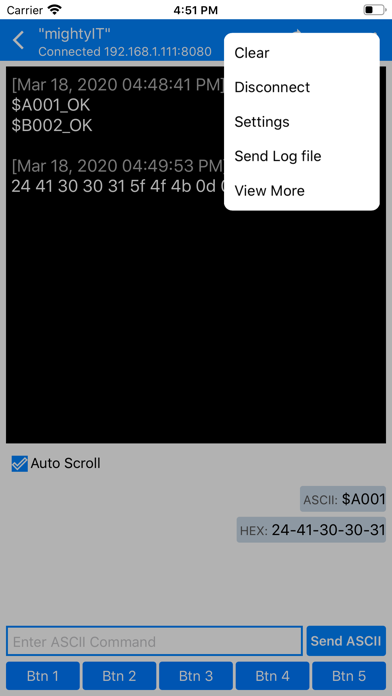
INTRODUCTION: - TCP Telnet Terminal works based on TCP/IP protocol, Using this app we can create TCP Client that communicate with Server. - To start a Telnet terminal, You must provide IP address and PORT number of the server. After connection is established with server, you can easily access and communicate with your server. FEATURES: - Separate panels for sending and receiving data. - Custom your own buttons for frequent sending of same data. - Monitoring receiving data as HEX or ASCII. - Sending Data as ASCII or HEX. - Auto send commands at timed interval - Selection for \r \n at the end of sending data. - Send Log file of Received and Sent data. - Simple copy option in sent data just long press on data. - Keep Screen on/off option. - Remove Ads option.
Screenshots