Campus Parent
Infinite Campus, Inc.

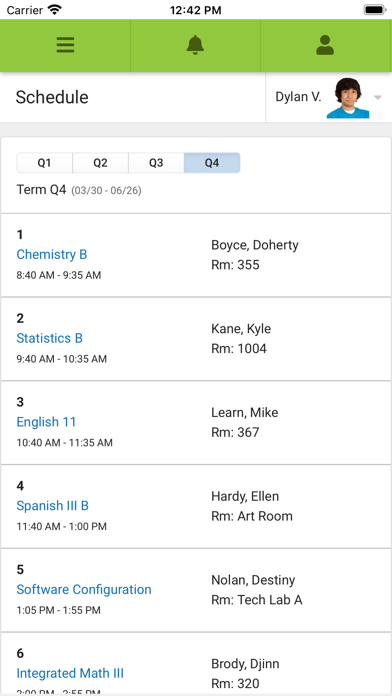
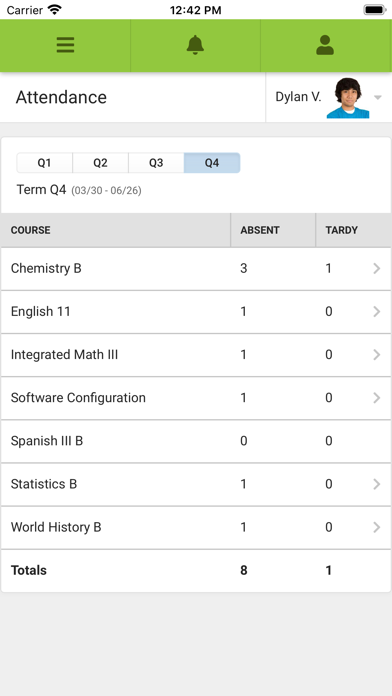
Stay connected to your student’s school life anytime, anywhere. Campus Parent puts important academic information at your fingertips, with real-time access to announcements, assignments, attendance, grades, schedules, and more. TO LOGIN: 1. Download the app 2. Search for your District Name and State – select your district from the list 3. Enter your Username and Password, provided by your school 4. If using a secure, private device, mark Stay Logged In to receive mobile push notifications, if enabled by your school 5. Click Log In! NOTIFICATIONS: Parents and guardians can set and receive alerts for grades, assignment scores, attendance changes, and more. SUPPORT: Due to privacy concerns, Infinite Campus does not maintain individual login information. Contact your school or district if changes are needed. For other questions, visit https://www.infinitecampus.com/support/parents-and-students. PLEASE NOTE: Your district must use the Infinite Campus Student Information System, and an active Infinite Campus account is required.
Screenshots