العشر الاخیر - AlUshar AlAkhir
Furqan Group for Education& IT

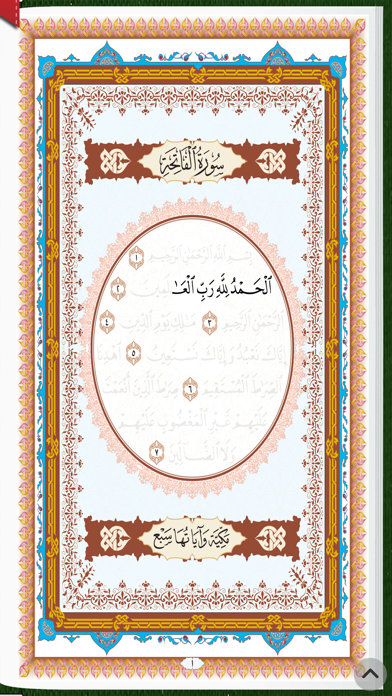
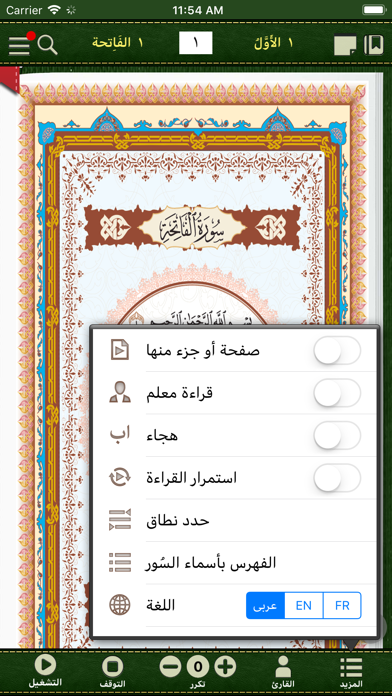
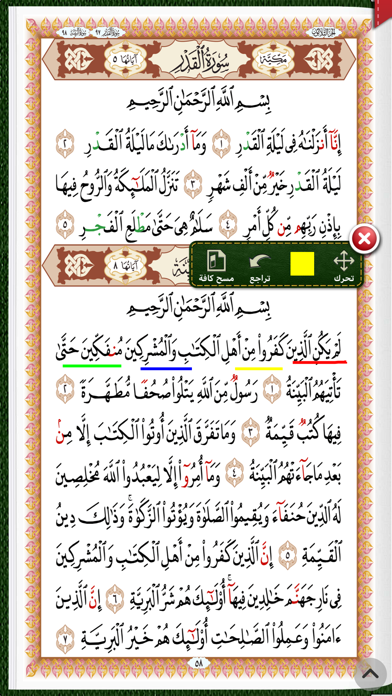
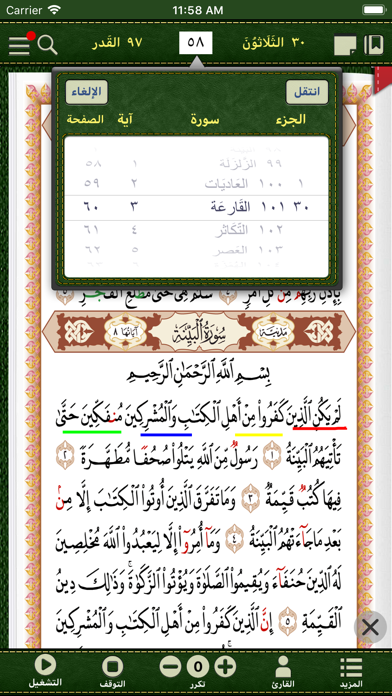
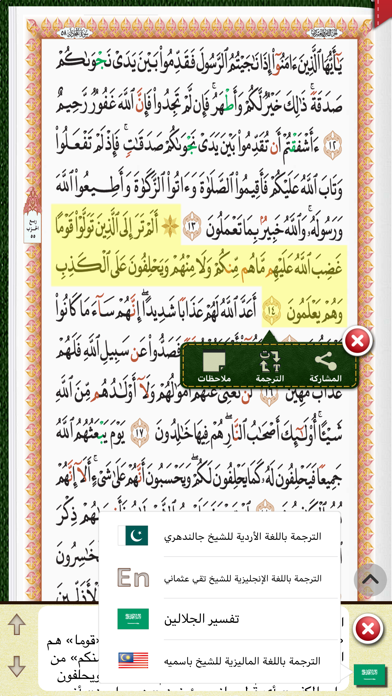
مميزات هذا البرنامج الترفيهي التعليمي: - التعليم بالترفيه للأطفال من ٤ سنوات فما فوق بثلاث لغات (عربي-إنجليزي-فرنسي). - إمكانية سماع القراءة بالهجاء من سورة القدر إلى سورة الناس مع سورة الفاتحة مثل القاعدة النورانية مع إمكانية الترديد مع المعلم وذلك لتسهيل تعليم الأطفال والمبتدئين. - إمكانية الوصول إلى أي سورة أو آية بكل سهولة ويسر . - إمكانية عرض النص القرآني مُكبّراُ وذلك لتعليم كبار السن . - إمكانية تحديد الدرس اليومي وتلقينه للأطفال والمبتدئين بعدد مرات المرغوب تكراره أو ترديده. - إمكانية سماع قراءة عادية (بدون فاصل زمني) أو قراءة معلّم (بوجود فواصل زمنية) ليتمكن المبتدئون فيها من الترديد مع المعلم بطريقة صحيحة. - إمكانية التنقل بين الصفحات والوصول إليها بكل سهولة ويسر حسب رغبة المستخدم. Features of this educational app: - Quranic education for children from 4 years and above in three languages (Arabic-English-French). - Ability to hear the spelling of Surah Al-Qadr to Surat Al-Nas along with Surat Al-Fatihah along with following the teacher’s recitation. - Navigation to any surah or verse with ease. - Ability to enlarge the Quranic text in order to facilitate the elderly. - Ability to mark a lesson and teach it to children and beginners with the possibility to repeat as many times as desired. - The ability of hearing a normal reading (without a pause) or reading with a teacher (with pause intervals) so that beginners can speak with the teacher correctly. - The ability to navigate between the pages and access to them as easily as desired by the user.
Screenshots