Camera Remote Watch
AppMosaic.com

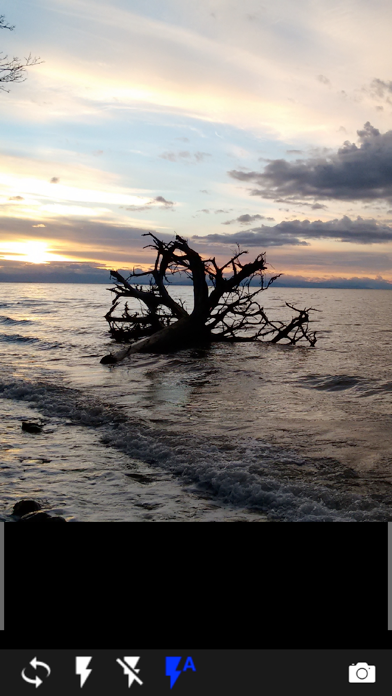
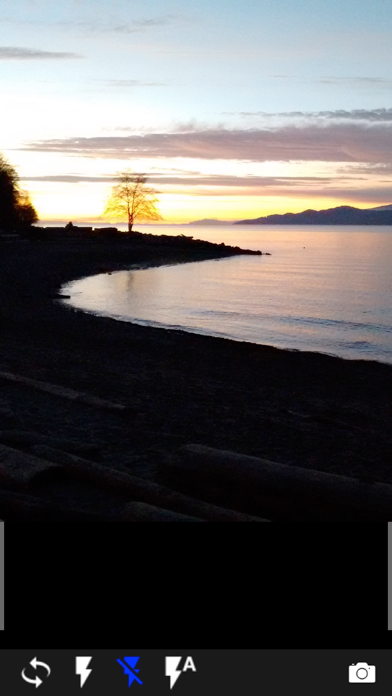
Remote control the phone camera shutter from your Fitbit or Garmin smartwatch and take a picture without touching your phone. Please watch the video and read the FAQ: http://www.CameraRemoteWatch.com/ Open the phone app "Camera Remote Watch" and adjust the camera view. On your watch: open the app "Camera Remote Watch" and tap the Camera button to trigger the camera shutter on your phone. The photo will be stored in your phone photo gallery and you can access it with the iOS "Photos" app. A copy of the photo will be shown on your watch, so that you can check if it looks good or if you should take another picture. Please make sure that the watch and the phone are connected before starting to take pictures. The Fitbit phone app "Sync" step, shown in the video, is very important. Don't skip it and make sure that the watch app Camera Remote Watch is closed during the Sync. Please be patient when downloading the new photo (the Fitbit is slow). If the watch display goes black during the download of the photo, just tap the watch screen to switch the display on again. Please read the FAQ: http://www.cameraremotewatch.com/faq/
Screenshots