Seawell Navigation Charts
seawellsoft

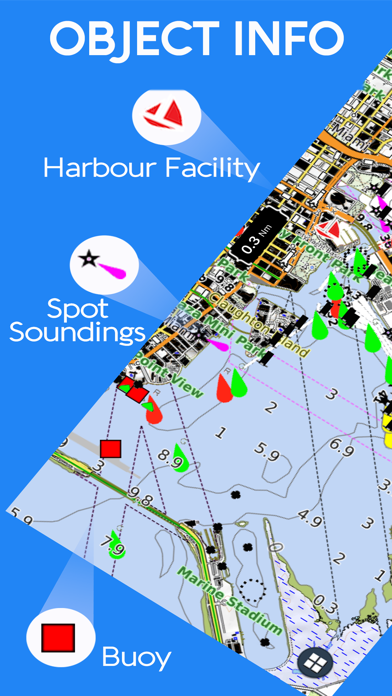
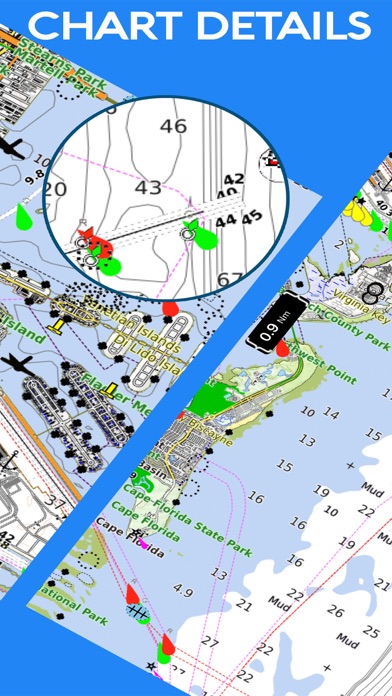
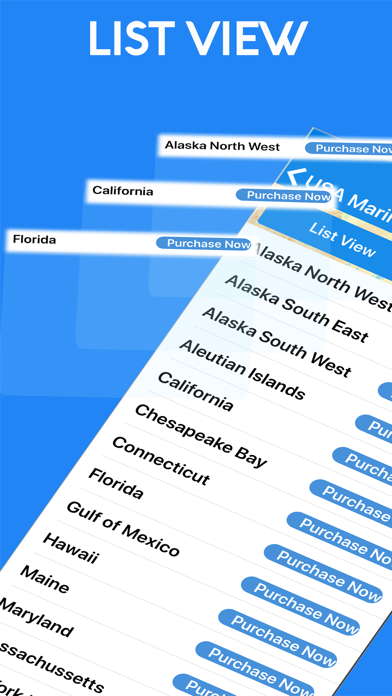
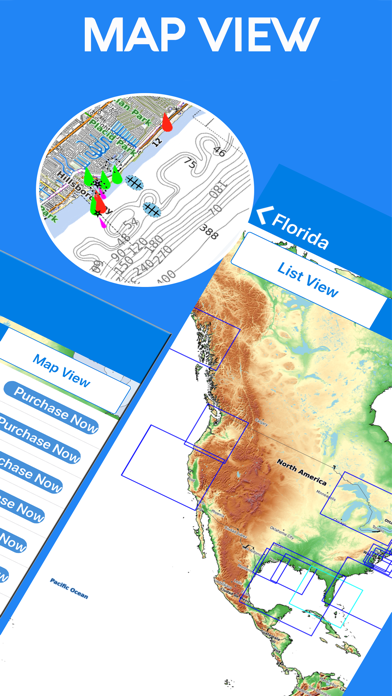
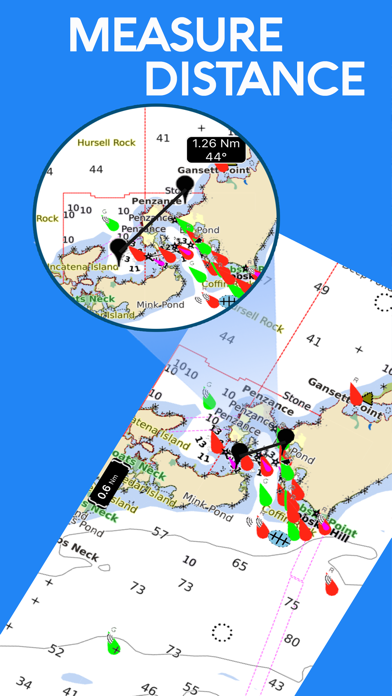
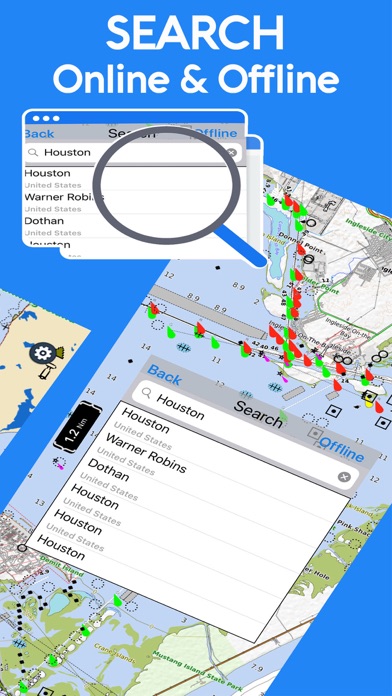
***Seawell marine navigation apps provide maps to make life easier and more enjoyable for sailors, fishermen, divers, boaters, and cruisers. ***Ability to Zoom and Pan: Our ZAP has a new feature for intuitive waypoint and route management. You can store and retrieve the real-time markers and favorite waypoints on water. You can zoom and pan effortlessly. Can mark or add favorite spots, dynamically without going back and forth to the chart. ***Purchase of this app includes online maps and a low detailed offline world map. Further, downloading of detailed charts is possible after purchasing through In-App map store provided in the application. FEATURES: * Marker: locations can be marked and you can share easily favorite locations with friends and family. * KMZ: To send your favorite coordinates through e-mail. * Track: Records your path, and stores the details. * Measure: Distance can be calculated easily. * GPS: Location and heading on map. *Seawell apps can be used in offline mode. *Seawell has multiple overlays: Offline, Hybrid, Street mode, Topo *Offline: Only offline maps will be displayed which are useful in situations where there is no Internet connectivity. *Hybrid: Land areas are covered by satellite imagery. *Street: Land areas are covered by open street maps. * Topo: Land areas are covered by topographic maps *Seawell strives to provide user-friendly apps. *NOTE: "Continued use of GPS running in the background can decrease battery life” “Turn off GPS when not in use”
Screenshots