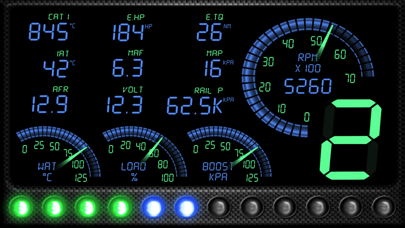
OBD Tracker - ELM327 Terminal
SMART Technologies GmBH

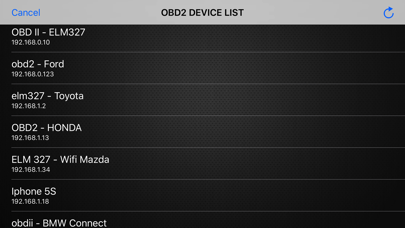
The ELM module(s) supported are network to serial interfaces that use wifi to communicate. This app communicates with an ELM OBDII (OBD2) car interface device. The Ultimate Step-by Step Guide: ◆ Get the right OBD 2 reader or scan tool, whichever suits your car. This is done by checking on the compatibility and the relevant tool. ◆ Locating where the OBD 2 port is. ◆ Powering the car engine on for the case ease of making the system work. ◆ Plug in the pins of the OBD2 connector to the areas of relevance within the OBD 2 port. ◆ Enable the OBD 2 to start reading. ◆ Open app, click "SCAN" - and select correct OBD2 device in list. (default is 192.168.0.10 / 192.168.0.123) You have any questions or concerns? Feel free to contact us. We're always here to help.
Screenshots