Stream - Network Debug Tool
Stream Lab Inc.

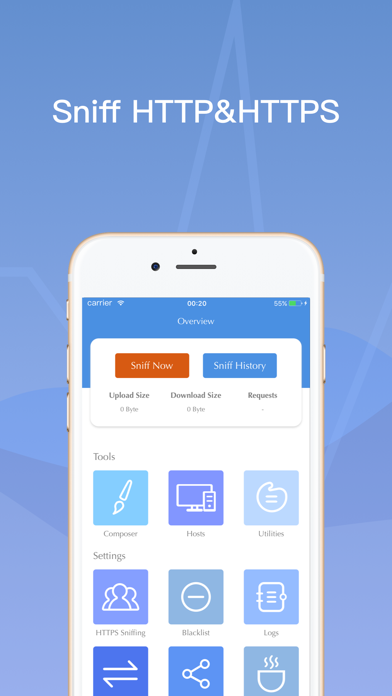
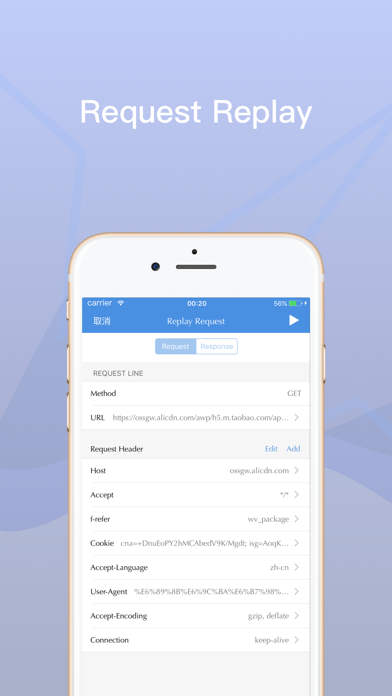
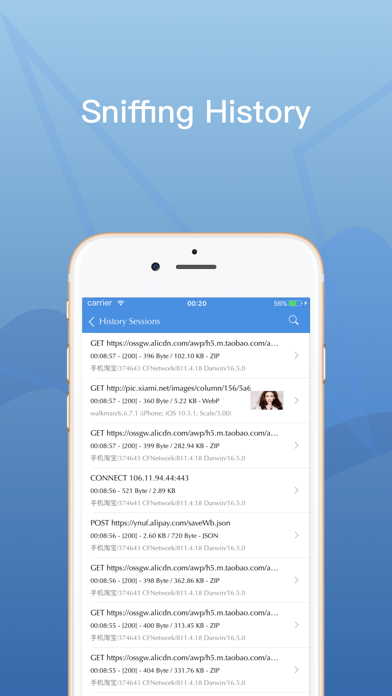
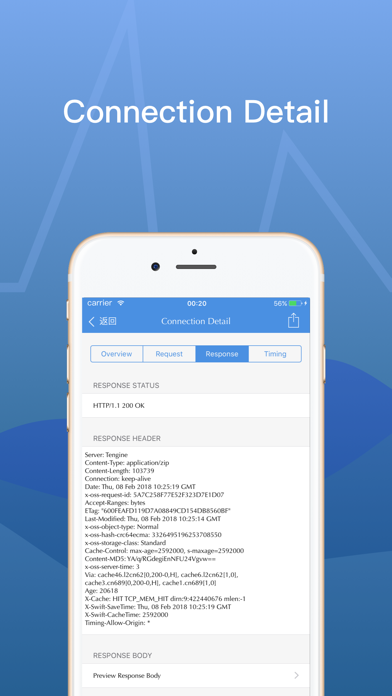
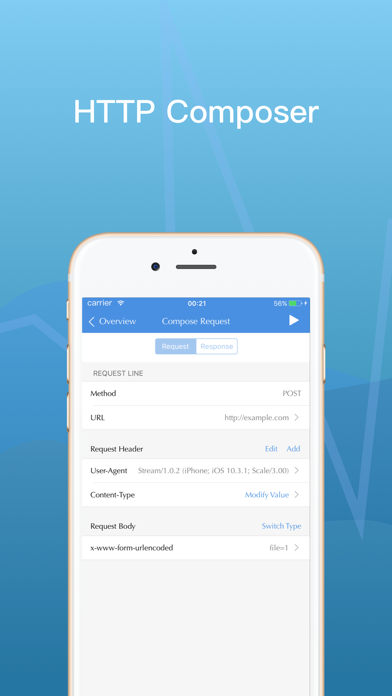
Before downloading this App, We hope you can read the following introductions seriously. 1. Stream is designed for f2e developers, mobile developers, backend developers, sa engineers, qa engineers and users who have a certain network analyze abilities. 2. Stream is only designed for network debugging. Meanwhile, turning on Stream requires you to authorize VPN permissions. 3. Stream will never upload any user data, and we also expect you to spread to users who also trust us. If you do not agree with the above instructions, we recommend you consider seriously before downloading. Features: Stream is an iOS side network debugging tool, only for QA & development. 1. Sniff HTTP & HTTPS requests, meanwhile sniffing HTTPS requests needs you to install CA certificates. 2. Capture History, preview request body, and response body, supports text / JSON / files / forms. 3. Compose HTTP requests and Replay sniffed requests. 4. Support Hosts configuration, similar to Hosts in the PC features, for f2e developer and mobile developer to switch test environment and online environment easily. 5. Simple support on HAR files, you can export Charles / Fiddler / Chrome / Firefox network records to HAR file and then open in Stream and replay requests. 6. Compatible with iPhone X and iPad MutiTask.
Screenshots