Kina Corporate Mobile Banking
Kina Bank Ltd

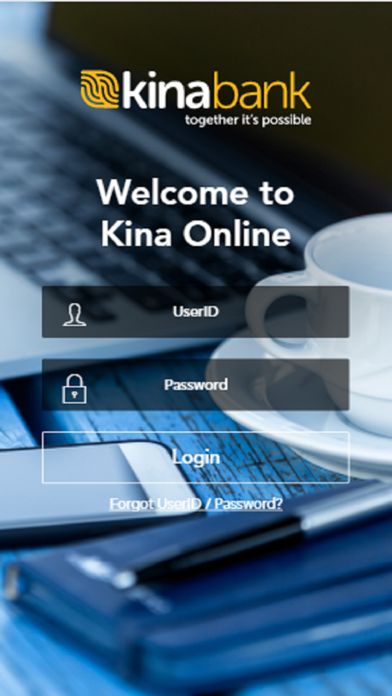
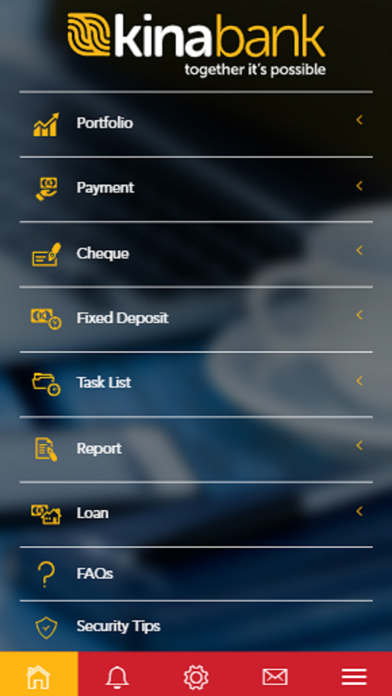
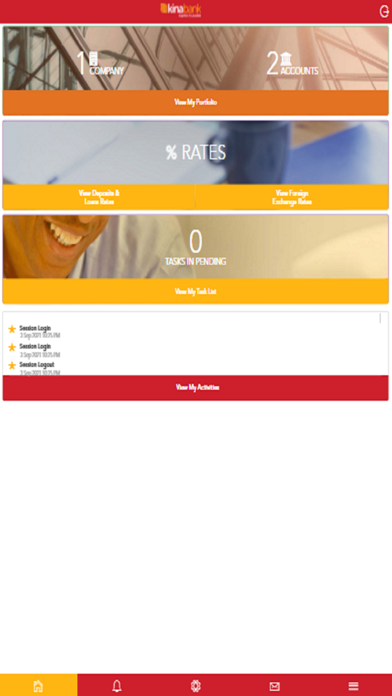
Welcome to Kina Corporate Mobile App. Our Corporate Mobile Banking puts you in control 24/7. Banking anytime, anywhere. With just a click of a button you can: • View your account portfolio and check balances, • Download eStatements • Transfer funds and make payments • Stop lost or stolen cheques • Schedule and pay staff salaries • Set up recurring payments And much more. Important information: • To use Kina Corporate Mobile Banking, you must have an active Corporate Internet Banking username & password; • If you are an existing Kina Corporate Internet Banking users, you can simply use your existing user username & password to log onto Kina Corporate Mobile Banking; • If you do not have an existing Kina Corporate Internet Banking user account, please contact your nearest Branch or your Relationship Manager; • Compatible with iOS 6.1 or higher; Need help? • Terms & Conditions: http://www.mykina.com.pg/retail/ • Locations: http://www.kina.com.pg/contact/locations/ • Security Alerts: http://www.kina.com.pg/security-alert/ • Twitter: https://twitter.com/KinaGroupPNG • Facebook: https://www.facebook.com/KinaGroup • Linkedin: https://www.linkedin.com/company/kina-securities
Screenshots