Draw Maps: Map Notes
Bluefield GIS, Inc.

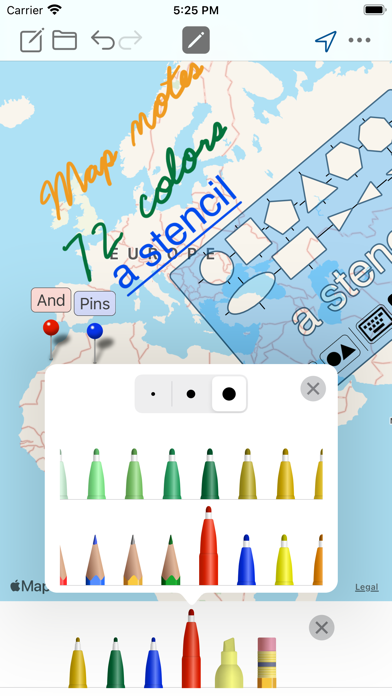
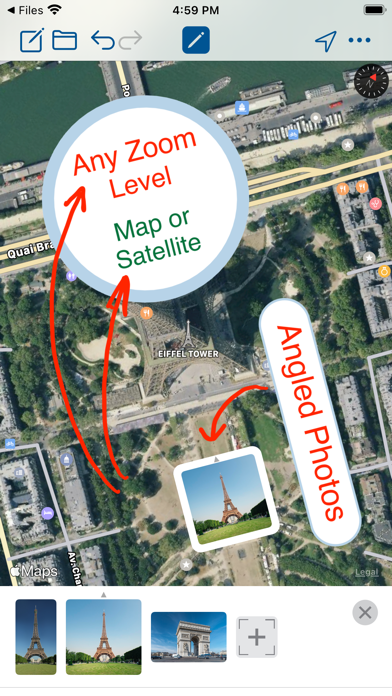
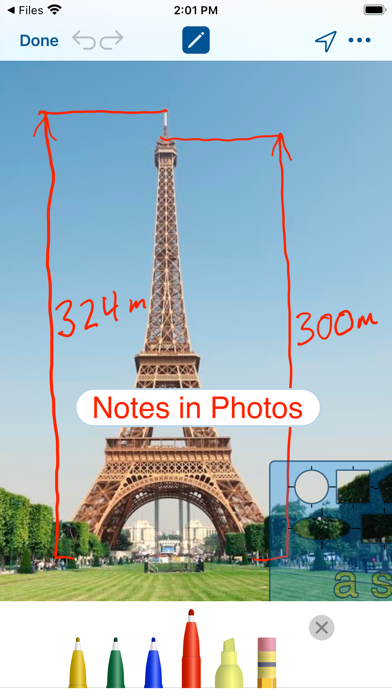
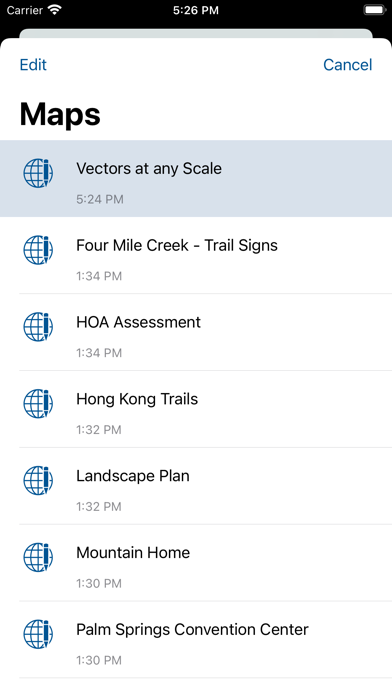
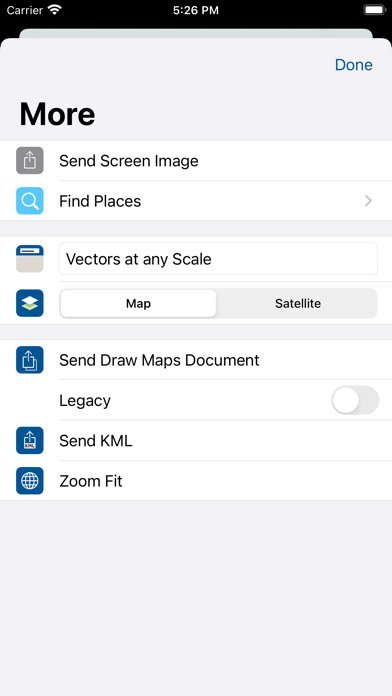
Draw Maps gives you color pens and pencils to make sketches and take notes anywhere in the map. Add map pins and photos to note important locations. Think of the whole world as being your sketch pad. Move around and zoom to different scales as you draw. Share your maps with friends. Use Draw Maps at work, school, and play: - Planning your next vacation - Designing landscapes - Detailing event logistics - Noting underground utilities - Reporting storm damage - Recording wildlife sightings - Remembering your favorite fishing holes - Tracing hiking trails - Geocaching and scavenger hunts - Learning geography by tracing borders - Taking field notes - Giving directions to your friend Features: - Draw and highlight in the map - Place colored map pins in the map and add long form notes - Place photos in the map - Draw and highlight in the photos - 72 colors - Use the stencil to draw perfect shapes or labels - Move and zoom the map as needed while you draw - Zoom to your location to take a note where you are - Zoom to other locations using Find - Send images of your map drawings to other people - Send your Draw Maps Document to another Draw Maps user - Archive your Draw Maps Document to online storage - Send KML (Pro feature) - Make as many maps as you like (Pro feature) - Ready for Apple Pencil
Screenshots