ProCredit MobileSign
QUIPU GmbH

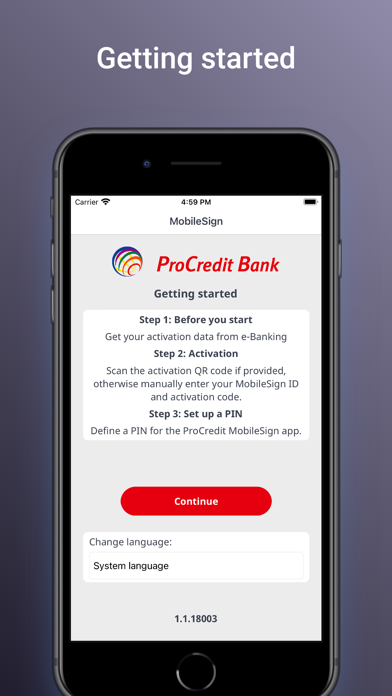
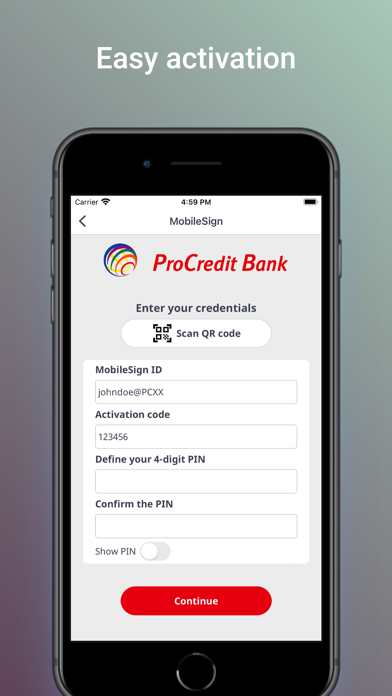
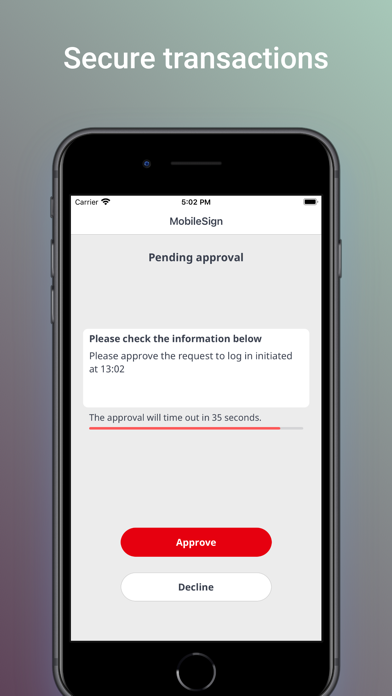
Dear clients, Get the ProCredit MobileSign app to securely authorize transactions and documents using various ProCredit services. Use the ProCredit MobileSign app to securely access ProCredit’s banking applications and services. Use it to authorize transactions or to authenticate your access (when requested). Please note that MobileSign is primarily a security application and is used in conjunction with other ProCredit applications, not stand-alone. How it works Individual ProCredit applications will prompt you to install or use the MobileSign application. For example, you may be asked to use the application to read an on-screen QR code to register your device. Transactions appear within the application for your approval. Requirements You need your ProCredit MobileSign app and Internet access on your smartphone. Features - Easily authorise transactions - No additional token or 3rd party device is required. Just your smartphone/tablet
Screenshots