Sphero Play
Sphero, Inc.

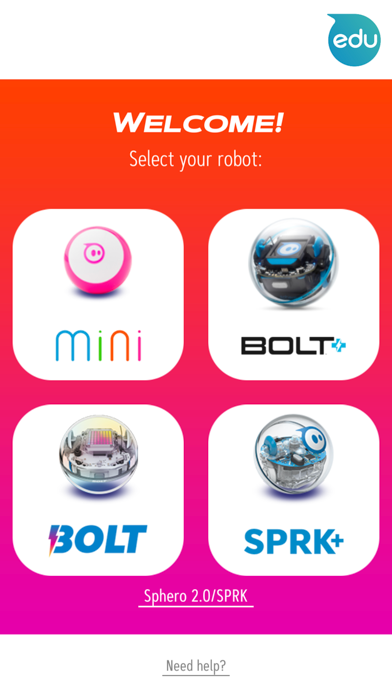
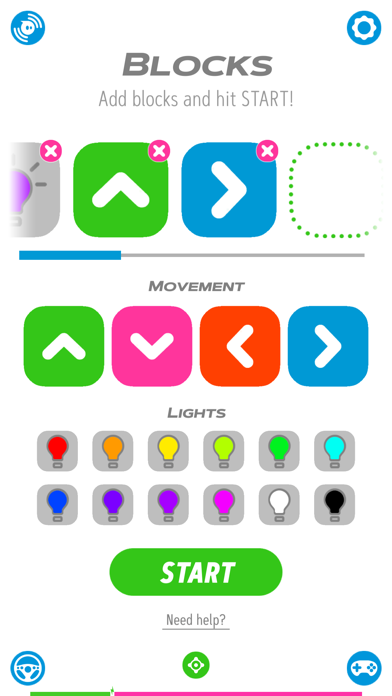
Drive and play games from ONE app with your Sphero Mini, Sphero 2.0, SPRK, SPRK+, BOLT, and BOLT+. Connect and control your robots with several exciting drive modes, use your robot as a controller to play games, or try out Block Drive for an intro to programming with colorful blocks. Features include: DRIVE MODES Drive your robots several ways with the Sphero Play app. Use the joystick and slingshot controls, tilt your device, or use your voice. Our sports-themed drive modes keep things fun with the ability to swing your device to "golf"*, or flick to "kick" your robot. BLOCK DRIVE PROGRAMMING Learn programming basics by controlling your robot with colorful movement and light blocks. GAMES Use your robot as a controller to shoot your way through space, race your vehicle through a tunnel avoiding obstacles and scoring points, or rotate your ball to destroy a polygon of bricks. Need robots? We know a guy. Visit sphero.com and order today. *This mode is not available on iPads.
Screenshots