Mil Fuel Check
Phoenix Flight Software

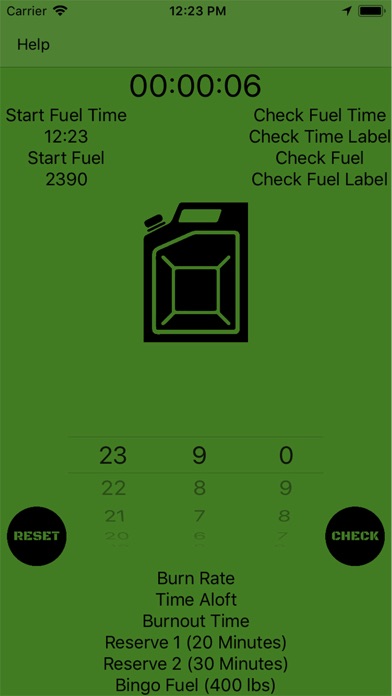
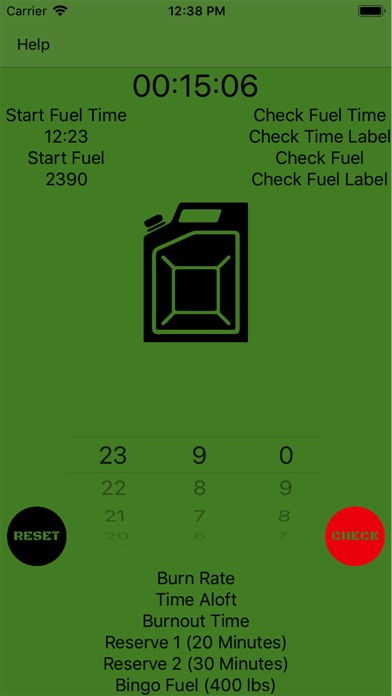
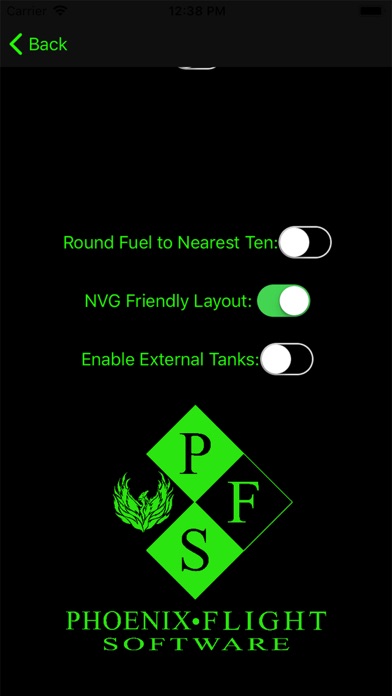
Mil Fuel Check v 2.4 features - (formerly Army Fuel Check) -Adjustable Reserve 1/2 times instead of VFR/IFR reserves (default to 20/30 minutes respectively) -Adjustable bingo fuel (defaults to 400 lbs) -Adjustable pop-up notification times (defaults to 15 minutes) -Switch between Green/Black UIs -Adjustable external tank fuel settings -Continuously running clock for extremely high levels of accuracy -Fuel calculations down to the pound with rounding options for users that want increased simplicity -Adjustable max fuel settings up to 999,999 lbs to accommodate all Army rotary wing air frames -Easy to use user interface Simply set your start fuel, tap start, and you are good to go! Want to know how much fuel you're burning at 15 Minutes? 17 minutes? 16:54? Simply dial in your check fuel whenever you are ready and hit check! Army FuelCheck provides you with to the second accuracy! Have bigger tanks? no problem! simply tap the Max Fuel / Settings button when the clock is not running and dial in your max fuel to fit any air frame up to 999,999 lbs! for questions / comments / feedback contact us at: PhoenixFlightSoftware@gmail.com
Screenshots