My garden journal
Daniel Furrer

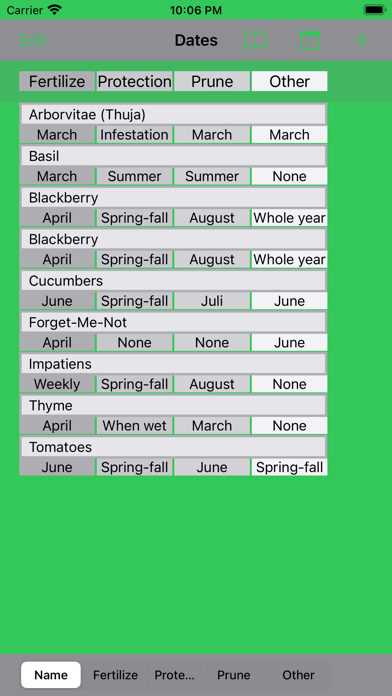
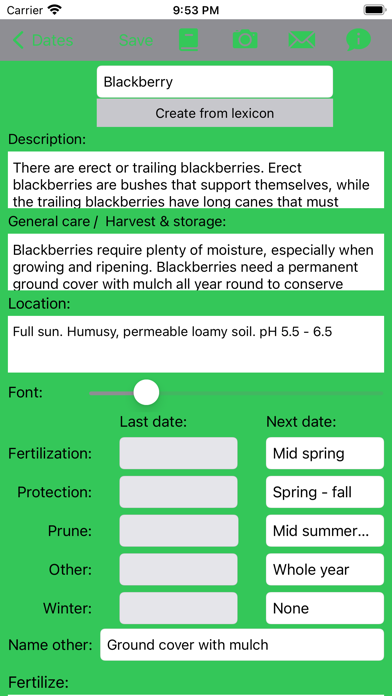
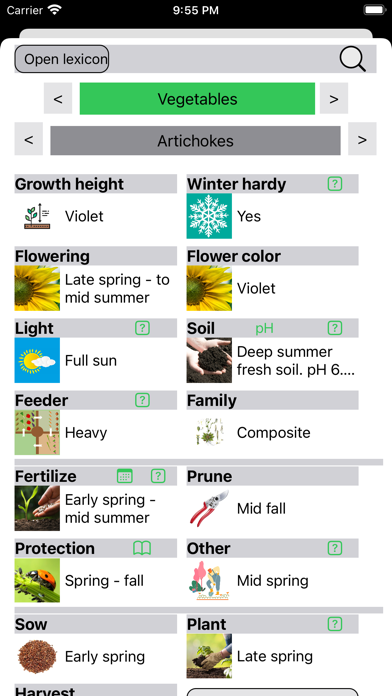
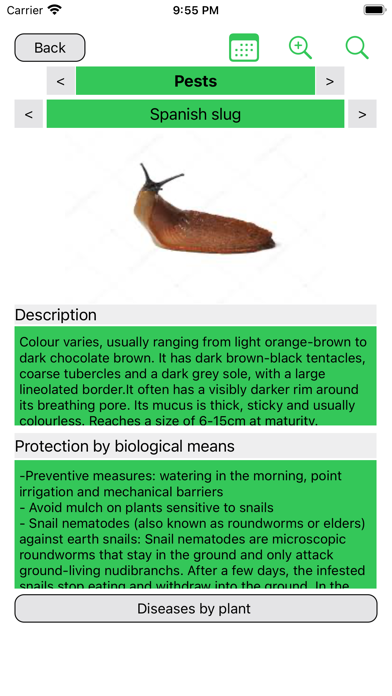
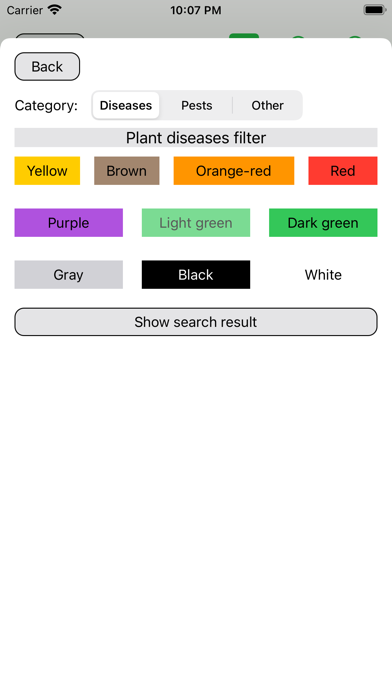
Are you like me? Some plants have to be fertilized or protected from diseases at regular intervals. But when was the last fertilization? My garden journal helps you keep a better overview. In doing so, this app focuses on the most important garden activities like fertilizing, pruning, plant protection. Conveniently create your plants from the built-in encyclopedia, and maintain the dates according to your needs. The app includes a plant encyclopedia, structured like the garden diary, with explanations of each topic from sowing to harvesting, all based on organic gardening principles. It includes 300 plants from the categories berries, herbs, flowers, fruits, vegetables, green manure, hedge, climbing plants, and ground cover. You will also receive assistance in identifying plant diseases. For this purpose, there is a plant protection lexicon, which describes the 75 most common diseases pictorially and in text form and describes biological protection measures. An advanced search function by color or pest type helps you in your search. Plant protection measures for several plants can be entered in a separate diary also via the Apple Watch. The dates can be transferred to the calendar. The soil lexicon contains entries that explain measures for soil improvement. The focus is on a gentle treatment of the soil without chemical agents. Use our picture gallery of "indicator plants" to determine the soil properties. You can record your own notes and also document the crop rotation of the vegetable beds in your garden, thus securing the necessary information for the following year. Crop rotation contributes to the gentle use of the soil and helps to avoid pests and diseases. You can document the crop rotations and thus secure the necessary information for the following year. Notifications remind you of tasks to be completed during the year.
Screenshots