PostgreSQL Client
Filippo Maguolo

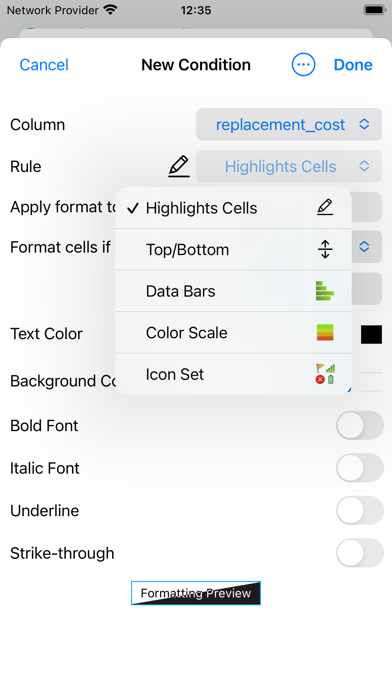
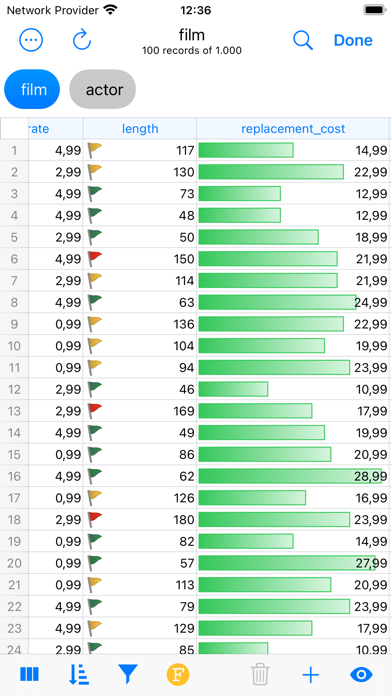
DB Compass for PostgreSQL allows you to access your PostgreSQL database directly and without any server setup. You can manage your data with a clean and simple iOS user interface. FEATURES: • Connection over TLS encryption and/or SSH tunnel • Database authentication supported: plain, MD5, SASL (SCRAM-SHA-256 and SCRAM-SHA-256-PLUS) and OAuth (PostgreSQL 18+) • SSH authentication support Secure Enclave Key and U2F/FIDO NFC Key • Assisted table creation and alter structure • Explore, filter, sort, and quick search table data • Query script with A.I. assisted composition and plan analysis • Database objects (tables, views, procedures, etc.) • Database statistics, sessions manager, server status graphs • ER Diagram Viewer • Advanced data grid for browse, edit, conditional formatting • Blob field preview, import and export • Job Activity Monitor • User list and Privileges • Import and Export in multiple formats • iCloud Sync for SQL and JS scripts • SQL plan analysis • Execute queries with Shortcuts App • Charts & Widgets OpenAI, Gemini and Claude integration requires api key and is only available in allowed regions. Ollama and LM Studio integration requires your server to connect. Tested on PostgreSQL 9.5 to 18. -- This is a Premium app and some features may require an in-app lifetime unlock -- For feedback or suggestions contact info@dbcompass.net
Screenshots