GeoGebra Geometry
GeoGebra GmbH

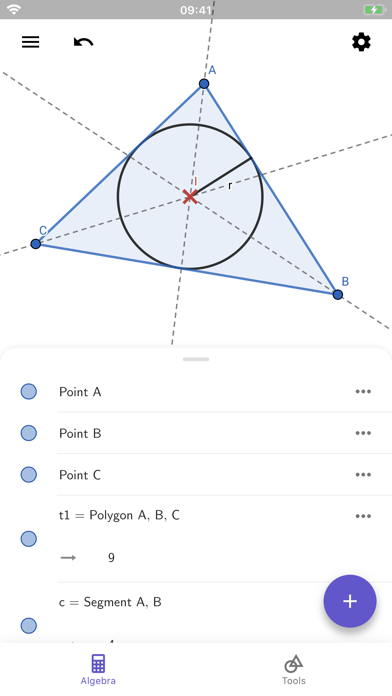
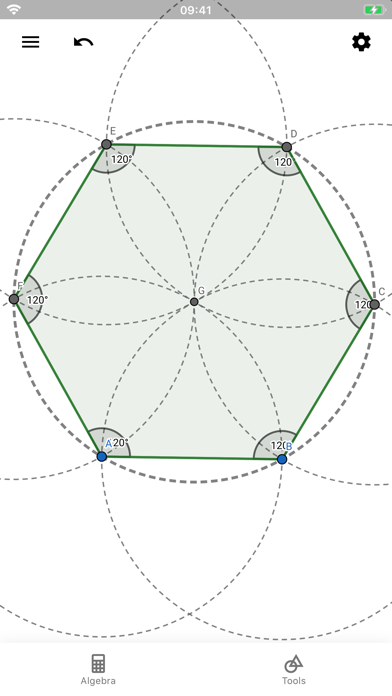
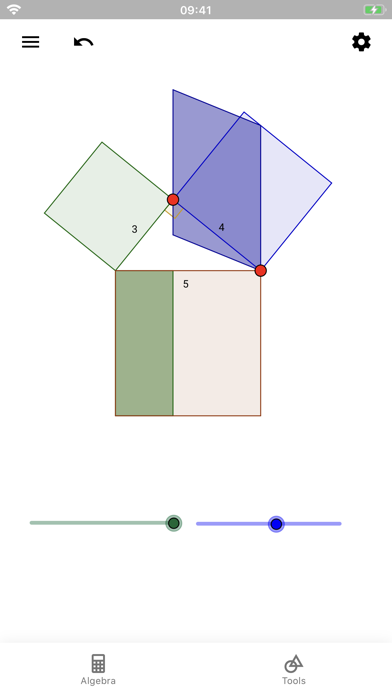
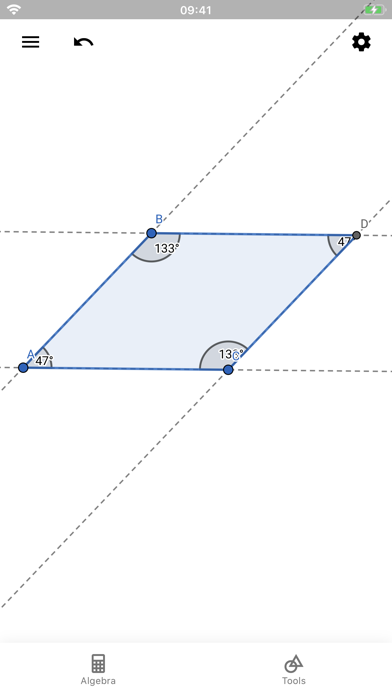
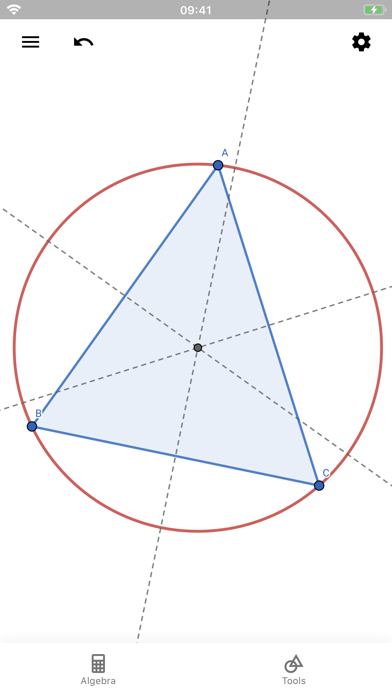
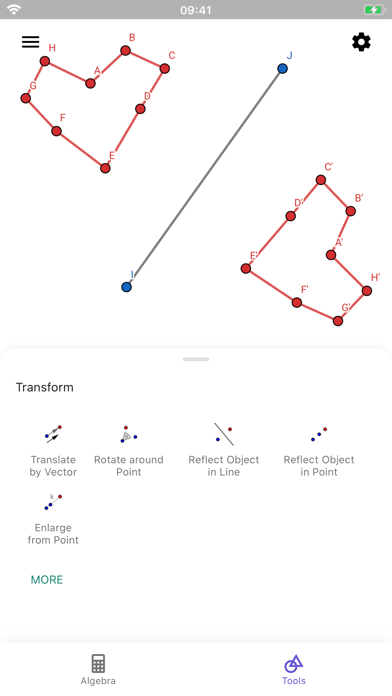
Easily construct triangles, drag points, draw parallel lines, intersect circles, save and share your results. Millions of people around the world use GeoGebra to learn mathematics and science. Join us! • Create constructions with points, lines, circles, polygons, and angles • Explore interactive geometry by dragging points • Measure lengths and areas • Transform shapes by mirroring, rotating and dilating them • Try advanced constructions with conics and locus lines • Investigate construction steps to get deeper understanding • Search for free learning activities directly from our app • Save and share your results with others We’d love to hear from you: send us your questions or feedback via Twitter @geogebra or via https://help.geogebra.org
Screenshots