Slow Motion Video Fx Editor
Brain Craft Ltd

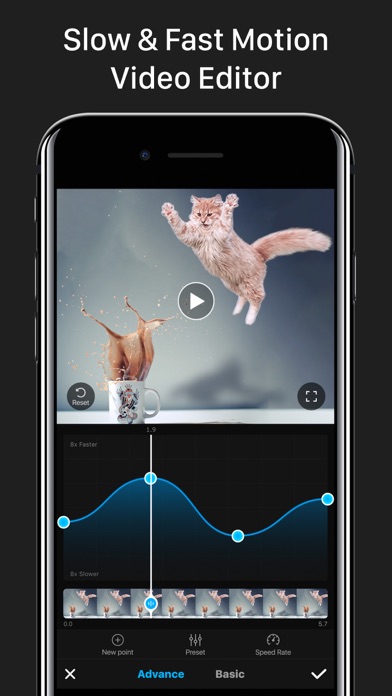
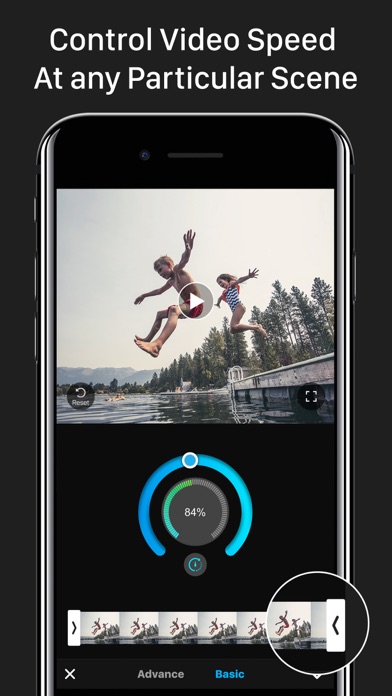
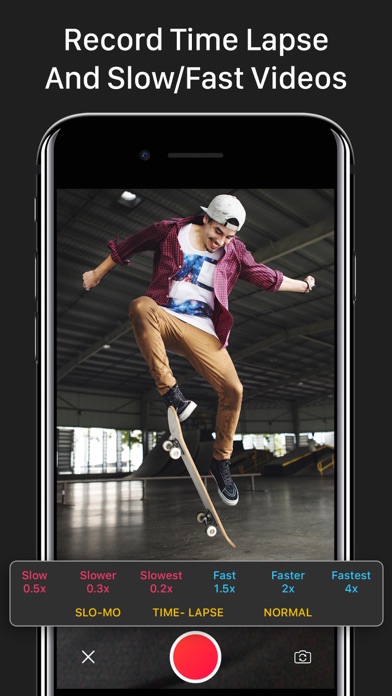
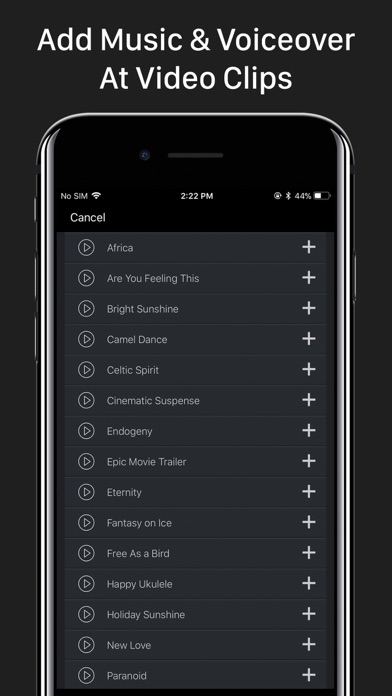
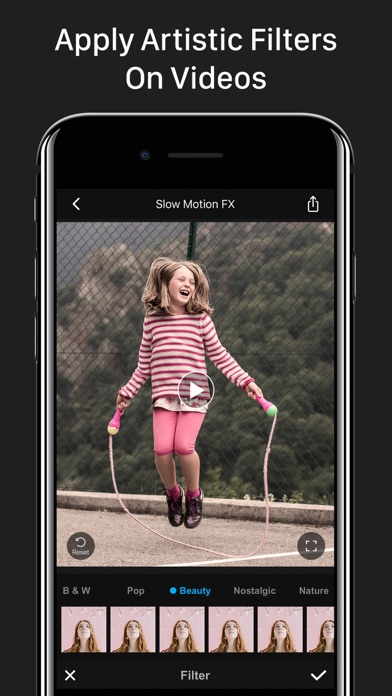
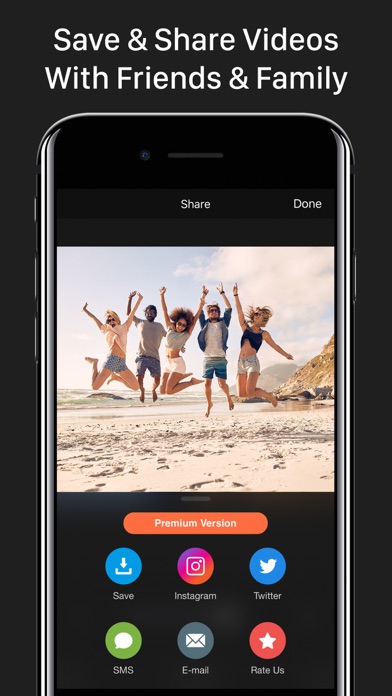
Advanced Slow Motion and Fast Motion Video Editor. Control Your Video Speed As You Want!! • Apply slo-mo, time lapse & stop motion effects on your videos. • Edit video speed up to 240fps or 12x faster or Slower. • Adjust video speed form particular frames. • Can hold the video’s specific portion. • Record live video with speed control options. • Add music on video. • Share your edited video to Instagram, Youtube, Facebook, Twitter & other medias. • High resolution video output. • Quick processing time! • Simple & very easy to use! Premium Subscription Includes: - 170+ Background Music Tracks - Premium Filters - Unlimited Video Edit - All Contents Will Update Regularly Subscription Price: * Trial: Free for first 03 days, then $9.99/Month. * Yearly: $34.99/Year - Payment will be charged to iTunes Account at confirmation of purchase. - Subscription automatically renews unless auto-renew is turned off at least 24-hours before the end of the current period. - Account will be charged for renewal within 24-hours prior to the end of the current period, and identify the cost of the renewal. - Subscriptions may be managed by the user and auto-renewal may be turned off by going to the user's Account Settings after purchase. - Any unused portion of a free trial period, if offered, will be forfeited when the user purchases a subscription to that publication, where applicable. Privacy Policy, Terms of Service: https://sites.google.com/a/braincraftapps.com/slomo/privacy https://sites.google.com/a/braincraftapps.com/slomo/terms Download & have fun!!! Found any bug? or Have any suggestions? or Wanna new features? Please mail us at: braincraftltd.info@gmail.com keep in touch to receive all updates. Thank you!
Screenshots