iWinbox 2 - My Winbox
志鹏 潘

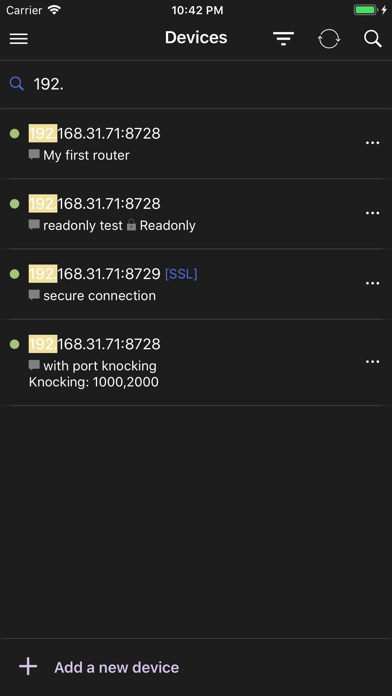
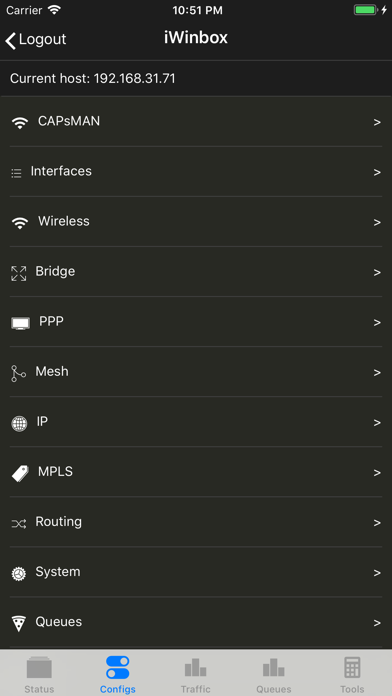
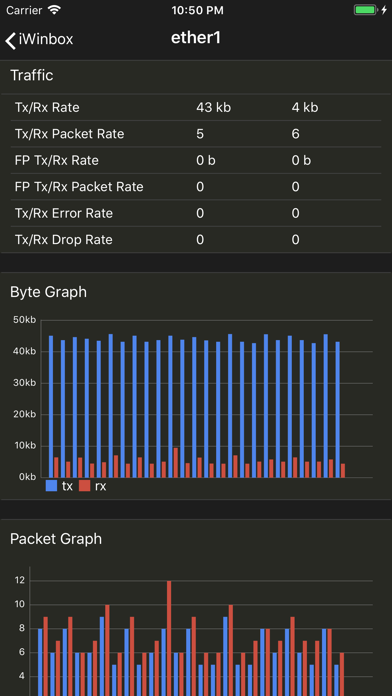
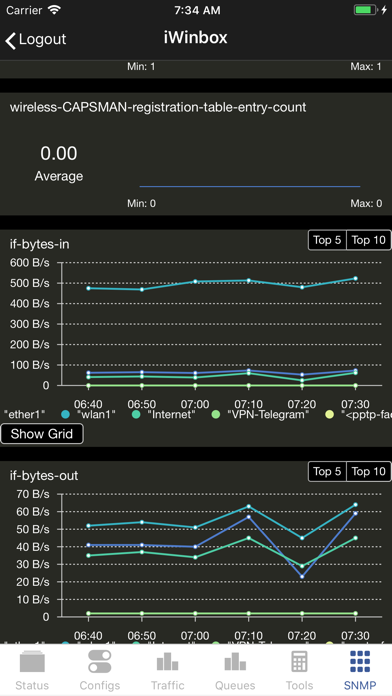
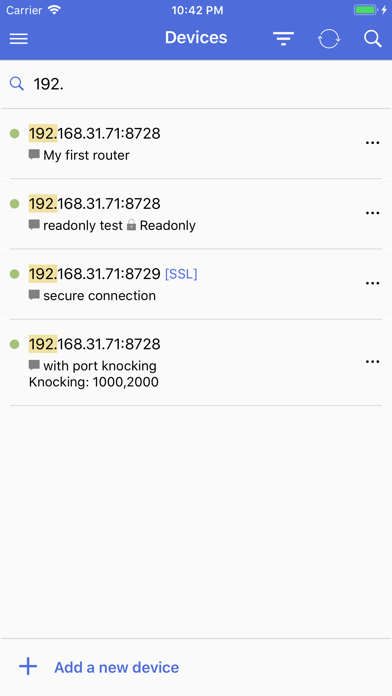
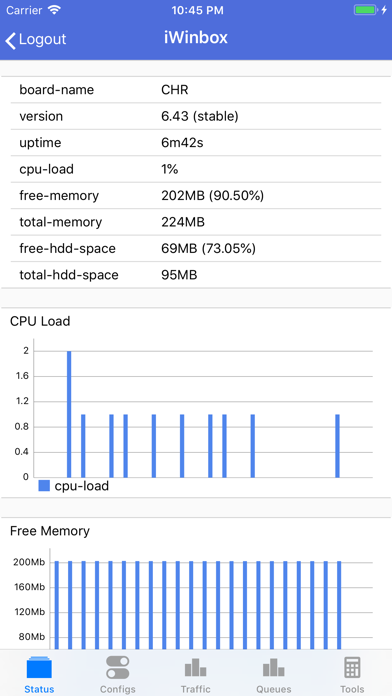
Manage your MikroTik RouterOS 6.x devices anywhere, anytime with iWinbox. You can use this app in both iPhone and iPad. Enjoy it! iWinbox 2 brings exciting new features - Redesign UI and new dark UI. - Add a new menu IPv6. - Search highlight. - Better performance and fast loading. - Touch ID and Face ID verify. Router managements - Multi device management, comment and filtering. - Readonly mode. - Secure your devices with port knocking and API-SSL - Status bar to show whether it is connectable. - iCloud syncing! Backup your device list and restore them - Resource monitoring. version, uptime, cpu load, memory usage. - Live chart for cpu load and free memory. Live ethernet traffic charts. - Light/dark palette. - Touch ID and Face ID verify. Pro Features (Via In-App Purchases) - Full features. You can view/edit most settings. - Filter the list items. - Enable/disable/delete/comment list items. - Show description of Mikrotik Documentation when editing a field. - Safe form editing, only save/update changed attributes. - Be able to run System Scripts and get running result. - System shutdown/reboot. - Live Tx/Rx charts of interfaces. - Live Tx/Rx charts of simple queues. - Netwatch settings. - Ping, Bandwidth Test, Flood Ping, Ping Speed. - IP Scan, MAC Scan. - Profile, Torch, Traceroute. - SNMP monitoring. Resources usage, Interface bytes, queues rates, Hotspot user rates, client count... HOW TO’S Adding New Devices - Tap on ‘+Add a new device’ at the bottom. - Fill host, port, username and password. Readonly mode or comment is optional. - Tap on 'Save button' at the top right. - Tap on the device you just added to connect to the device. Edit/Delete Devices - Click ellipsis button on a device. - Tap on 'Edit' or 'Delete' button. Having Device Connecting Issues? - Make sure API service is enable in /ip services. - Check whether 8728 port is acceptable in /ip firewall filters. - Maybe the router's public IP is unreachable. Try to connect to your device in LAN first. Having any other questions? - Click the Menu button at top left corner in Devices page. - Click the Feedback button.
Screenshots