OMRON connect US/CAN/EMEA
Omron Healthcare, Inc.

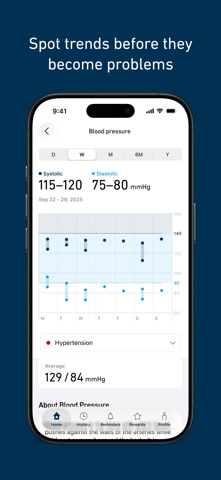
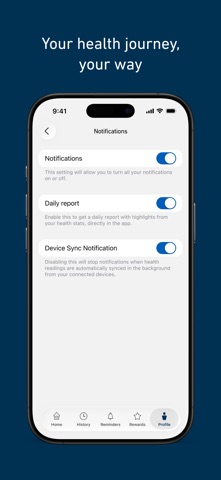
OMRON connect helps you manage high blood pressure and track your overall health—all in one simple app. Designed for people living with hypertension, the app works seamlessly with a range of OMRON devices, including blood pressure monitors, weight scales, thermometers, and EKG devices. Your readings are automatically synced and stored securely, giving you a clear view of your health over time. One app for all your OMRON devices: - Automatically sync readings via Bluetooth® - Store unlimited health data in one place - View blood pressure, weight, activity, and other trends easily - Receive alerts for notable changes - Share readings with your doctor, caregiver, or family - Track daily activity & sleep - Monitor steps, activity, and set achievable goals - Track sleep duration and quality - Monitor weight and BMI - Exchange readings directly with Apple Health Premium features for deeper insights: - Understand how blood pressure, sleep, activity, and weight are connected - Track medications and stay on schedule - Generate detailed premium reports to share with your healthcare provider - Earn rewards for consistent tracking OMRON connect supports informed conversations with your healthcare provider. Always consult your physician—do not diagnose or treat medical conditions based solely on app data. Take control of your health today—download OMRON connect! Compatible devices for the US, Canada, and Caribbean South America can be found here: https://omronhealthcare.com/compatible-devices-operating-systems Compatible devices for EMEA can be found here: https://www.omron-healthcare.com/omronconnect-support Please visit https://www.omron-healthcare.com/notice-for-data-act to view Notice for Data Act. Terms of Use (EULA): https://www.apple.com/legal/internet-services/itunes/dev/stdeula/
Screenshots