Contact Lenses Tracker Premium
DOUBLE U s.r.o.

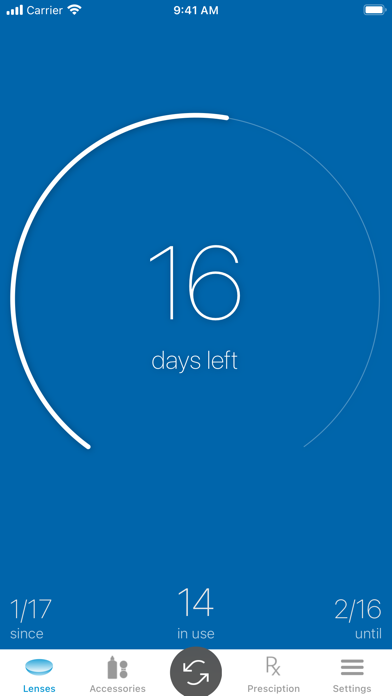
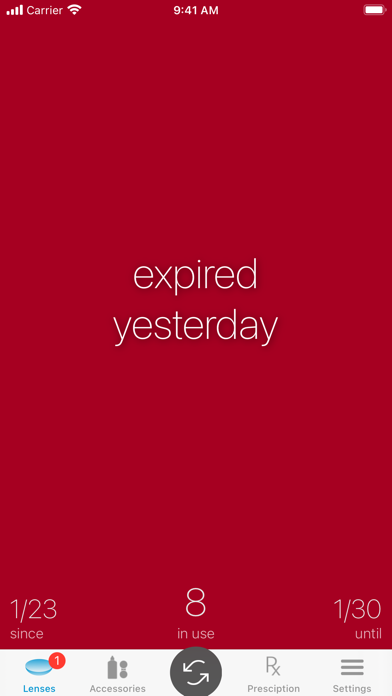
Keep your eye health in check with Contact Lenses Tracker, the ultimate contact lens tracking app. Say goodbye to the risk of forgetting to replace your lenses on time and prioritize your eye health effortlessly. Simply input your lenses and let the app take care of the rest. This comprehensive tracking solution ensures you receive timely notifications as your lenses approach expiration, persistently reminding you until they are replaced. Bid farewell to extended wear and embrace responsible lens usage. • Stay informed: Always know when you started using your lenses and effortlessly track their lifespan. • Timely reminders: Receive notifications when your lenses are nearing their expiration date, so you can promptly replace them. • Individual lens support: Seamlessly manage both right and left lenses in case you loose one. • Accessory tracking: Keep tabs on essential accessories like solution, case, and eye drops, ensuring they are timely replaced as well. • Prescription storage: Safely store your prescription within the app for easy reference whenever needed. And users really love it: "This app is very helpful because it keeps reminding you to change your contacts until you do." "Does everything it should beautifully. Deep customization to fit my needs." "Always reminds me on the dot that my contacts have expired." "Best app I've used for tracking lenses so far. Also, it's one of the few that is updated regularly." Terms of Use: https://doubleuapp.com/privacy/terms.html
Screenshots