Live Wallpapers for iPhone №1
Ivan Beschetnikov

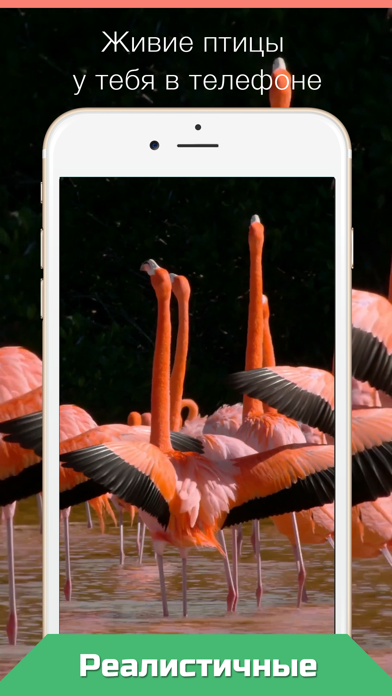
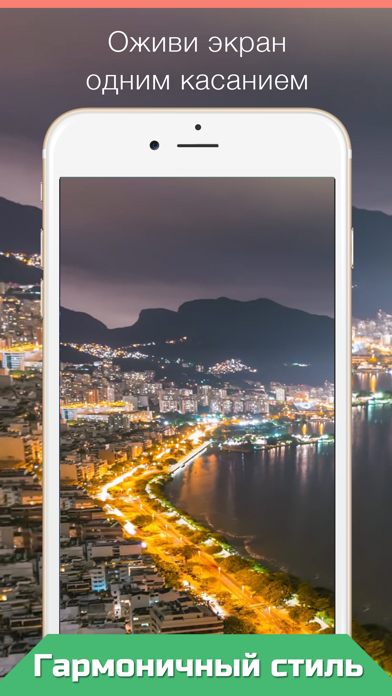
Press your Lock Screen to let the magic happen! Live Wallpapers for your iPhone 12! • Choose live wallpaper (touch your screen) and press Save icon. • Set the Live wallpaper you selected as your "Lock Screen wallpaper" • Press your Lock Screen to let the magic happen! 1. Save live wallpaper. 2. Set the wallpaper you selected as your Lock Screen wallpaper. 3. Touch your Lock Screen! Only for iPhone 6s and 6s Plus, iPhone11 and 12 Plus. Please note that you can’t use Live wallpapers if you are using the "Low Power Mode".
Released
2016-10-24T18:57:02Z
Current version
3.0
Reviews & Ratings
4.1
out of 5
5
4
3
2
1
🙂 Mostly positive reviews
9 reviewsScreenshots