Yeastar Linkus Mobile Client
Yeastar

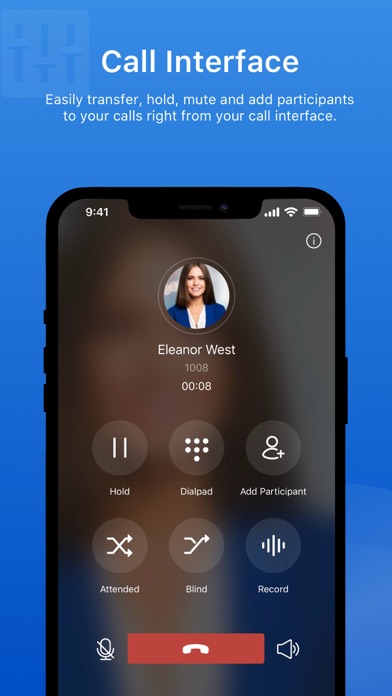
Linkus is a VoIP Mobile Client coordinated with Yeastar PBXs that makes your iOS mobile phone an office extension and links you and your colleagues and customers anywhere anytime. Make and receive calls through corporate phone network to slash call costs and enhance efficiency with consistent in-office experience. Key Capabilities - Make and receive enterprise VoIP calls over your Wi-Fi or mobile data networks to lower mobile voice charges - One number reach to conceal your personal mobile phone number and ensure unified corporate identity - Set up flexible ring strategy for Linkus and the desktop phone - Select different outbound routes for different destinations (local/long-distance/international, etc.) - Corporate directory integration with lookup and visual status indicator (available/unavailable/busy) - Configurable PBX features including Call Transfer, Call Forwarding, Call Waiting, DND, and Ring Timeout - Support Push Notifications to alert users of incoming calls while conserving energy Main Features Call Forwarding Call History Call Route Selection Call Transfer Call Waiting Contact Management Corporate Directory Do Not Disturb Extension Status Hold & Resume Native Contacts Integration One Touch Recording Outbound Route Selection PUSH Notification Ring Strategy Selection Speed Dial/Favorite Voicemail Specifications iOS Requirement: iOS 11.0 or higher Network: 2G/3G/4G or Wi-Fi Protocol: SIP FRC2361 Codec: iLBC/u-law/a-law/G722/G729 Network Protocol: TCP/IP/UDP, RTP/SRTP/RTCP, HTTP/HTTPS DTMF: Inband, RFC4733 (RFC2833), Info Important: This application is integrated with Yeastar PBXs; your administrator must provide you with identity information for you to start using.
Screenshots