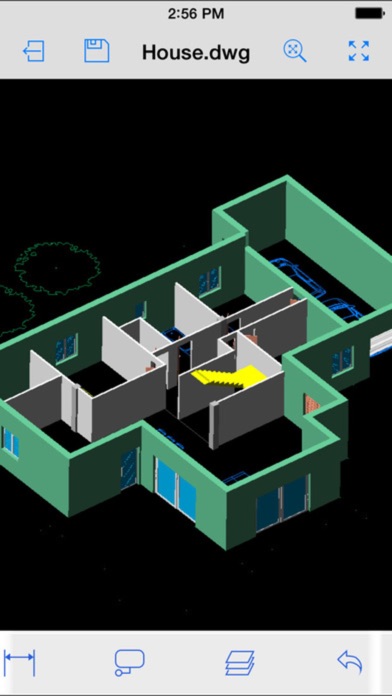
CAD Design 3D - edit Auto CAD DWG/DXF/DWF files
静美 段

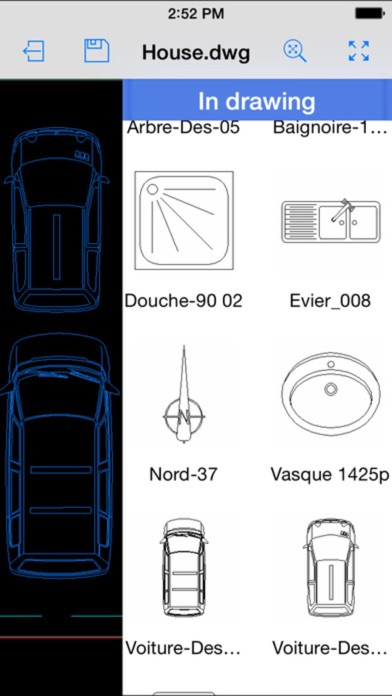
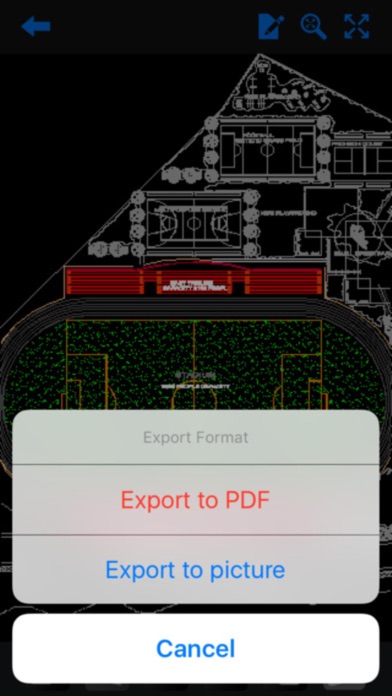
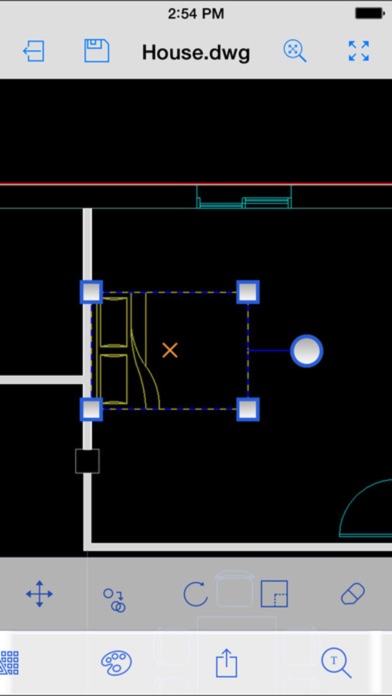
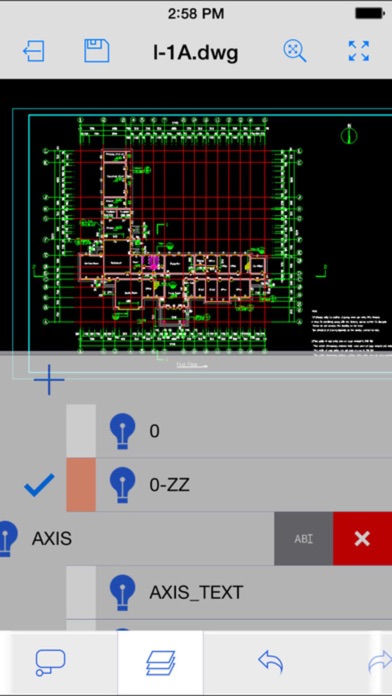
Take the power of CAD Design 3D wherever you go! CAD Design 3D is an DWG editing application, with easy-to-use drawing and drafting tools that allow you to view, create, edit, and share AutoCAD drawings across mobile devices - anytime, anywhere. Features: • New drawing creation • Support for larger files and increased storage capacity • All 2D/3D drawing and editing tools, including advanced tools, such as arc, offset and more! • Draw and edit shapes with accuracy using object snap and new keypad feature • Select, move, rotate, and scale objects • Editing capabilities are also available directly from external cloud storage files • Add and edit text annotations directly on your drawing; no need for paper mark-ups • Advanced annotation tools, including: cloud, mark up, arrow and more! • Advanced layer management • View and edit object properties • Block palette containing all the existing blocks from the drawing, to allow the user to insert blocks • Additional drawing tools and ability to view drawing coordinates
Screenshots