Music Cloud - Songs Player for GoogleDrive,Dropbox
Chaochuan Zhang

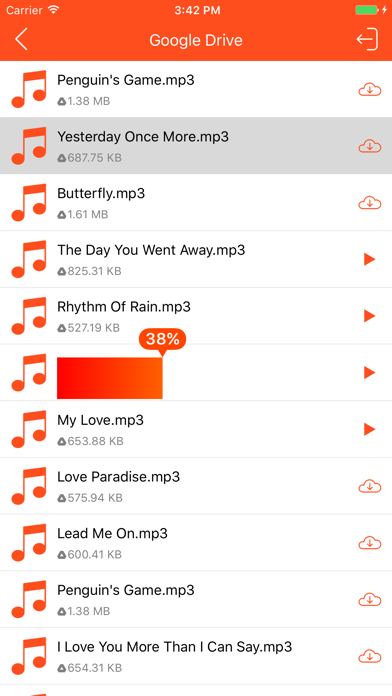
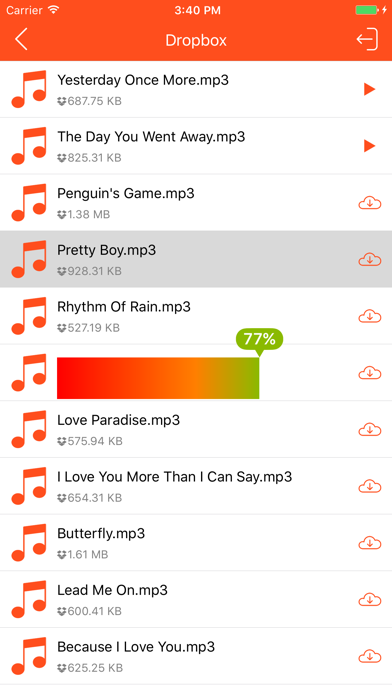
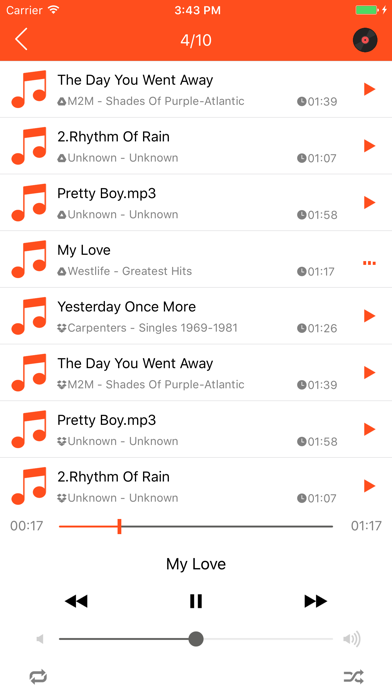
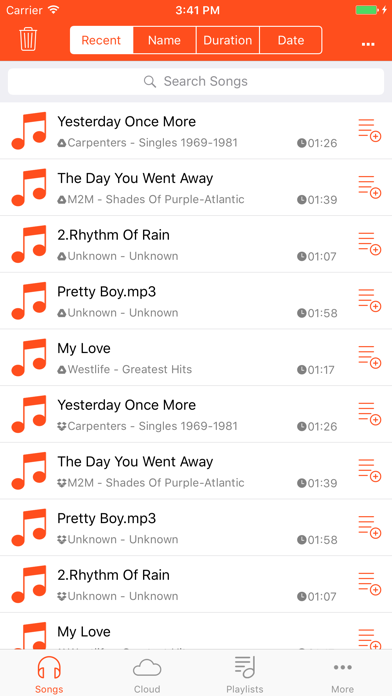
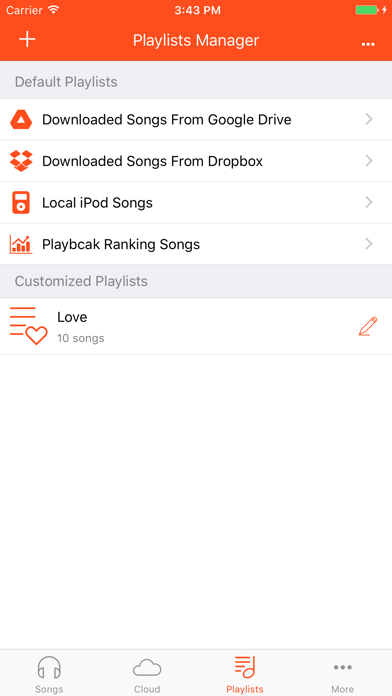
Music Cloud allows you to download songs from your cloud storages. It supports Google Drive®, Dropbox®. It is easy to use and useful. You can enjoy listening to songs without wifi. KEY FEATURES: √ Download songs from your cloud storages. √ Play downloaded songs with a powerful player. √ Play local iPod songs with a powerful player. √ Provide 3 play modes: normal, single, shuffle. √ Manage your playlists. How to use: 1. On the tab 'Cloud' choose the cloud platform Google Drive or Dropbox. 2. Click the Sign In icon button at the right top corner of the cloud platform section. 3. Connect to Google Drive or Dropbox and use your account. (If you have no account, you should register one.) 4. Get songs from your cloud storage. (You should upload your preferred songs to your cloud storage by yourself.) 5. Choose a downloaded songs to play and enjoy it.
Screenshots