Seismometer - Earthquake Alarm
Apostolos Samaras

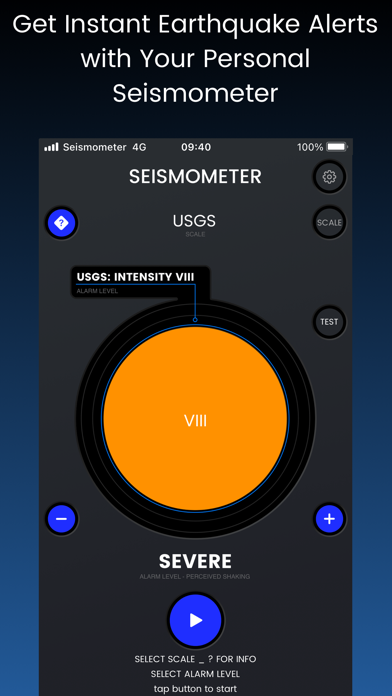
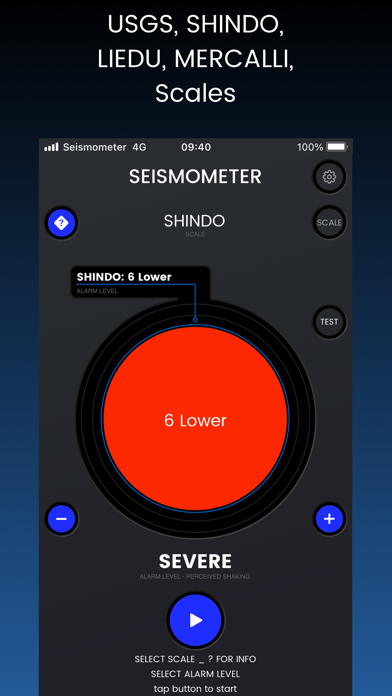
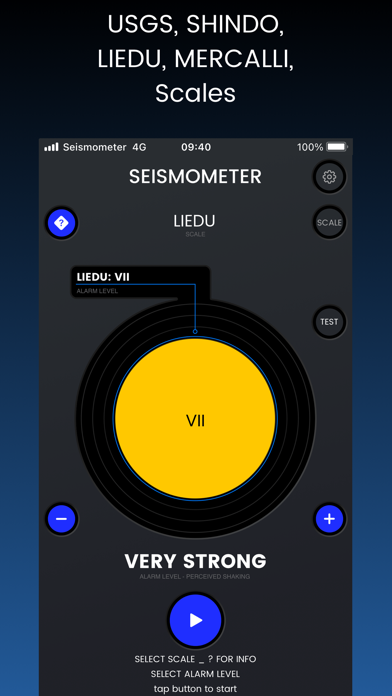
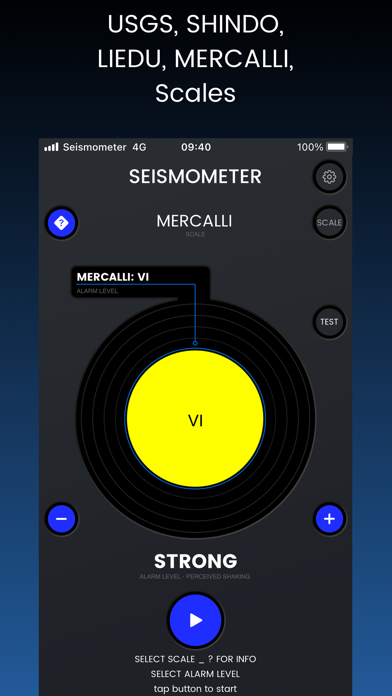
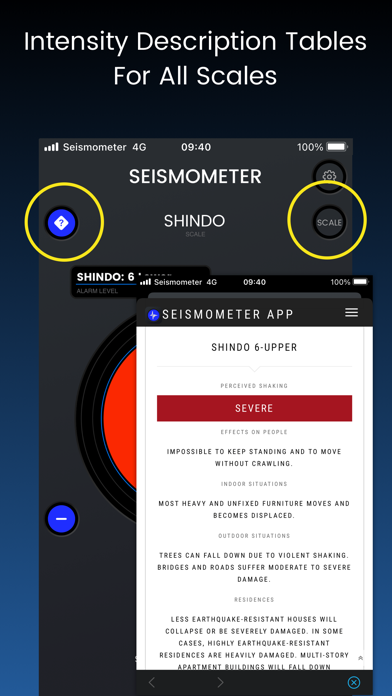
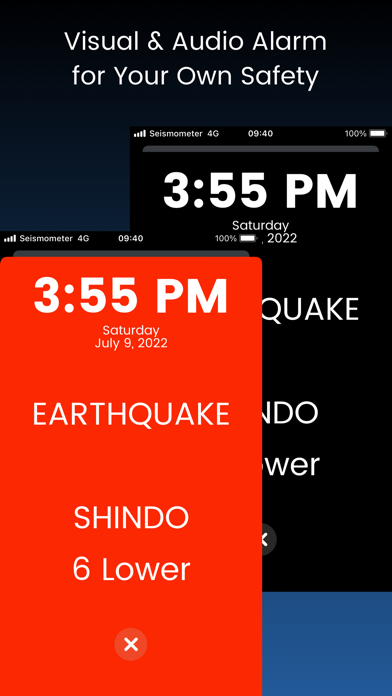
Experience the Earth’s movements at your fingertips with Seismometer! This innovative app transforms your iPhone or iPad into a highly sensitive seismograph, allowing you to detect and monitor seismic vibrations in real-time. Key Features: • Real-Time Monitoring: Observe live seismic activity with high accuracy. • Customizable Sensitivity: Adjust sensitivity levels to detect minor vibrations or filter out background noise. • Alert Notifications: Receive instant alerts when significant seismic activity is detected. • User-Friendly Interface: Intuitive design makes navigation and data interpretation effortless. Educational and Practical Uses: • Educational Tool: Ideal for students and educators to learn about seismology and Earth’s geology. • Home Monitoring: Detect vibrations caused by heavy machinery, traffic, or nearby construction. • Entertainment: A fun and interactive way to explore the unseen movements of your environment. Why Choose Seismometer? Seismometer leverages your device’s built-in accelerometer to provide accurate and reliable seismic data. Whether you’re a professional seismologist, a student, or simply curious about Earth’s movements, Seismometer offers a unique window into the dynamic world beneath your feet. Download Seismometer Today! Unlock the secrets of Earth’s vibrations and stay informed about seismic activities around you. Download Seismometer now and turn your device into a personal seismograph!
Screenshots