Photo Documents
Jeferson Assis

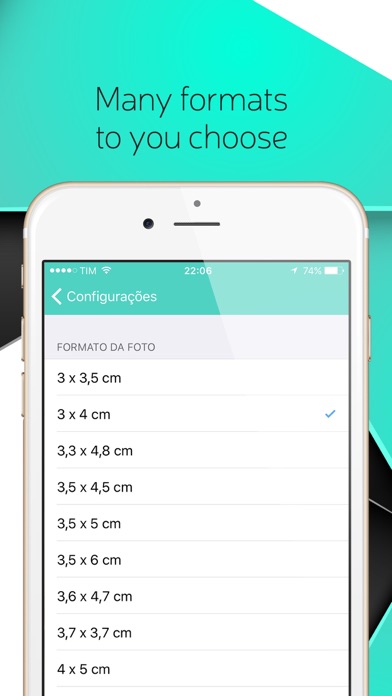
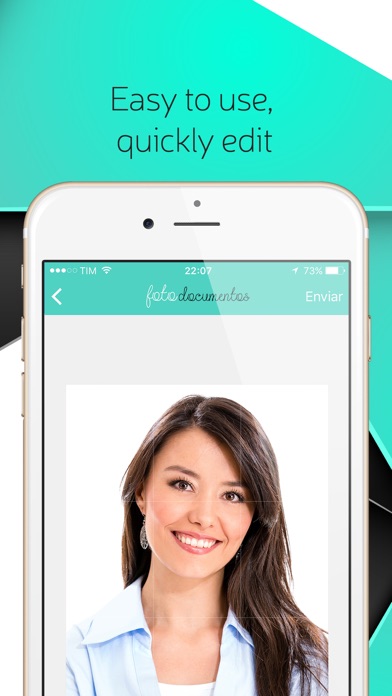
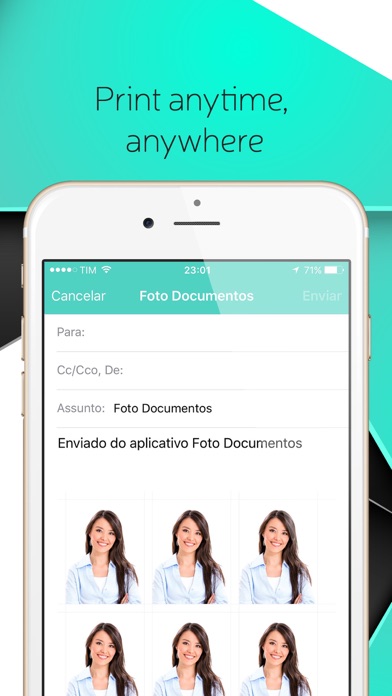
Take a picture to various types of documents (passport, ID, etc), between 3x4 and 5x7 main formats. Take photo and adjust the best position within the selected format. Select the type of paper you want to print, currently formats 10x15 and A4 - soon more formats. Select the number of photos you want to generate, spacing between photos and enable or disable the cutting line Note: Disable the margins in the printer options (if configured margin) FORMATS PHOTOS: - 3 x 3.5 cm - 3 x 4 cm - 3.3 x 4.8 cm - 3.5 x 4.5 cm - 3.5 x 5 cm - 3.5 x 6 cm - 3.6 x 4.7 cm - 3.7 x 3.7 cm - 4 x 5 cm - 4 x 6 cm - 5 x 6.3 cm - 5 x 7 cm - 1.18 x 1.75 inches - 1.5 x 1.5 inches - 1.5 x 1.8 inches - 1.5 x 2.5 inches - 2 x 2 inch - 2 x 2.5 inches FORMATS PAPERS: - 10 x 15 - A4 Compatible formats with different countries !!! Albania, Algeria, Angola, Antigua and Barbuda, Argentina, Australia, South Africa, Austria, Bahamas, Bahrain, Bangladesh, Belize, Belgium, Belarus, Bolivia, Botswana, Brazil, Bulgaria, Cambodia, Canada, Chile, China, Cyprus, Colombia, South Korea, Costa Rica, Croatia, Cuba, Denmark, Dominica, Egypt, El Salvador, Ecuador, Slovakia, Slovenia, Spain, United States, Estonia, Fiji, Philippines, Finland, France, Ghana, Greece , Haiti, Holland, Honduras, Hong Kong, Hungary, Indonesia, Iran, Ireland, Israel, Italy, India, Jamaica, Japan, Latvia, Lebanon, Luxembourg, Macedonia, Malaysia, Malta, Mauritius, Mexico, Namibia, Nepal, Nigeria, Norway, New Zealand, Panama, Papua New Guinea, Pakistan, Paraguay, Peru, Poland, Portugal, Qatar, Kenya, UK, Czech Republic, Dominican Republic, Romania, Russia, Serbia, Singapore, Syria, St.Kitis and Nevis, St. Vincent, Sweden, Thailand, Taiwan, Tanzania, Trinidad and Tobago, Turkey, Ukraine, Uruguay, Uzbekistan, Vietnam, Zambia and Zimbabwe
Screenshots