nRF Connect for Mobile
Nordic Semiconductor ASA

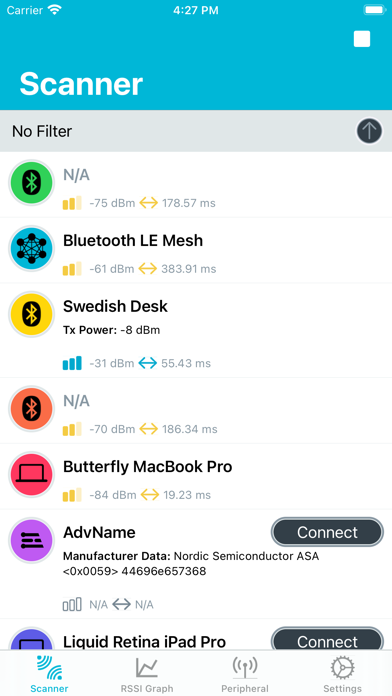
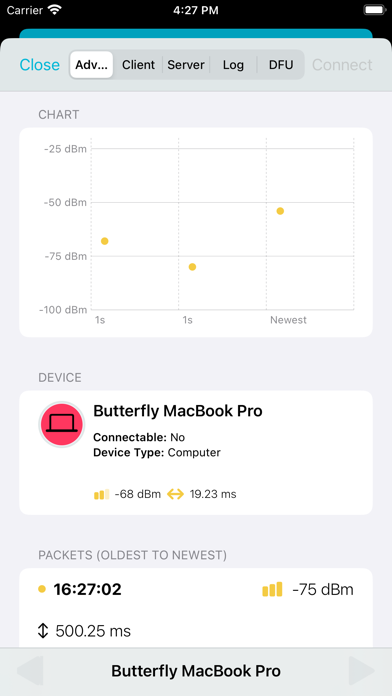
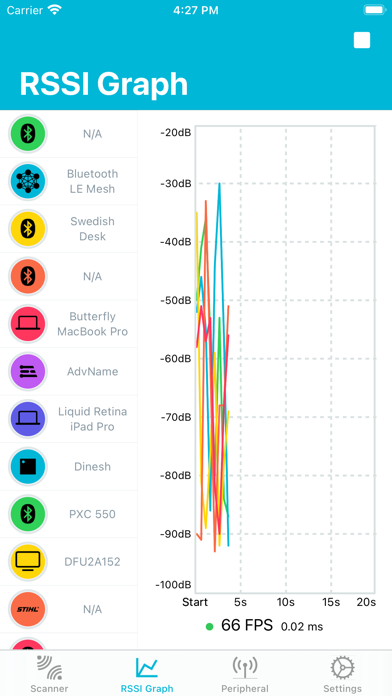
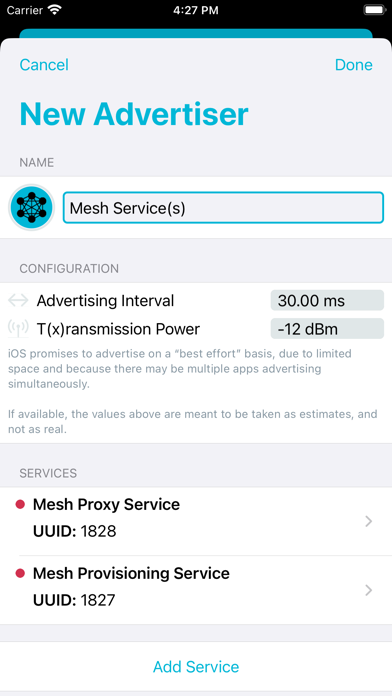
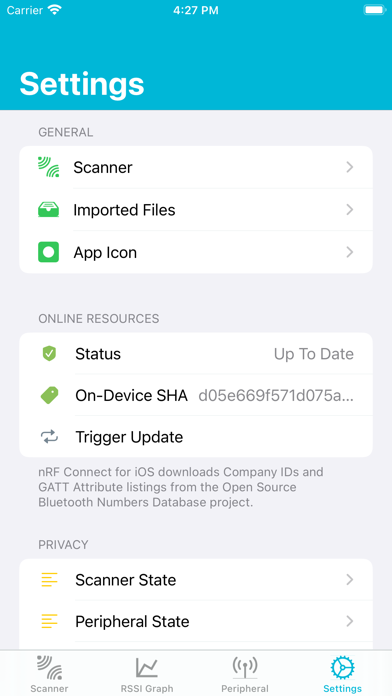
nRF Connect is a powerful generic tool that allows you to scan and explore your Bluetooth Low Energy (henceforth Bluetooth LE, also called Bluetooth Version 4.0+ of the Bluetooth specification) devices and communicate with them. nRF Connect also allows your iOS device to advertise as a peripheral, with full support of many of Bluetooth SIG adopted profiles. Additionally, nRF Connect supports Nordic Semiconductor’s Device Firmware Update profile (DFU) capabilities, allowing you to update compatible peripherals! + Features: • Supports DFU on all Nordic Semiconducto-powered devices. • Supports Nordic Thingy™ from Nordic Semiconductor. • Scan and discover nearby Bluetooth LE peripherals. • Filter Scanned Peripherals by Name, Manufacturer, Services (Advertised & Connected) and RSSI Level. • Parsing Multiple Formats of Bluetooth LE Advertisement Data. • Live RSSI Chart of Scanned Bluetooth LE Peripherals. • Complete iPad Support, including Multi-Tasking and Mouse Support as of 13.4. • Logs: Including BLE Function calls, and Export Function as CSV and Text. • Privacy-Oriented: Full-Disclosure of Scanned Data, Advertised Data, and User-Performed Actions held by nRF Connect. • Connecting to Any Connectable Bluetooth LE Smart Device. • Discovery of Services, Characteristics and Descriptors. • Read and Write Characteristics and Descriptors. • Enable and Disable Notifications and Indications. • Advertising as a Bluetooth LE Peripheral. • Setting up a Bluetooth LE (Peripheral) Server and Notifying/Indicating back to connected Central(s). • Low-Fat: nRF Connect for iOS is Very Small, so You Can Always Keep Us With You! >= Requirements: • iOS 16.0 and above. - Notes: nRF Connect also works with our Development Kits, which you may acquire online here: https://www.nordicsemi.com/eng/buy-online
Screenshots