Kode QR
Marco Tini

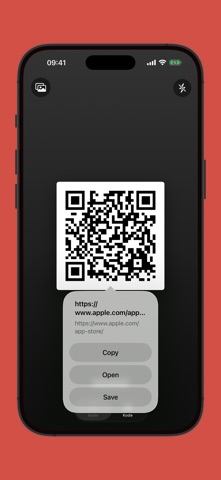
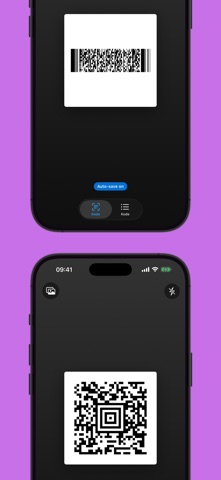
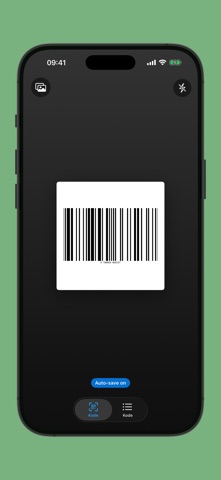
Kode reads QR codes and barcodes with a single tap — no accounts, no tracking, no ads. Everything happens on your device. Your scan history stays on your iPhone and never leaves. WHAT YOU GET - Instant scanning from the camera, with a clean distraction-free viewfinder - Scan from photo: pick any image from your library and Kode pulls the code out for you — great for screenshots and saved receipts - Batch mode: flip on "Auto-save scans" in Settings and burn through dozens of codes without stopping to confirm each one - Searchable history with type icons: links, email, phone, Wi-Fi, contacts, SMS, locations, plain text - From any scanned code you can copy, open the link, search on Google or Amazon, or save it for later - Export your whole scan archive as a JSON file via share sheet (AirDrop, Files, Mail, iCloud Drive, anywhere) - Full dark mode, 36 interface languages, haptic feedback on every detection - Works fully offline — no subscription, no in-app purchases SUPPORTED FORMATS QR Code, Code 128, GS1-128, Code 39, Code 39 Mod 43, Code 93, PDF417, Aztec, EAN-8, EAN-13, UPC-A, UPC-E, ISBN 10/13, ISSN, ISMN. GREAT FOR - Reading any code you run into — menus, tickets, boarding passes, Wi-Fi shares - Inventory at home, at work or in a small shop - Pulling QR codes out of screenshots you already have - Keeping a searchable record of business cards, events, receipts - Shopping: compare a barcode on Google or Amazon in one tap Kode has been on the App Store for years. This release rebuilds it in modern SwiftUI and adds the features long-time users asked for: batch scanning, scan-from-photo, export, and a clearer, faster interface — without giving up the simple, private scanner it has always been.
Screenshots