Count: A Simple Counter
敏 周

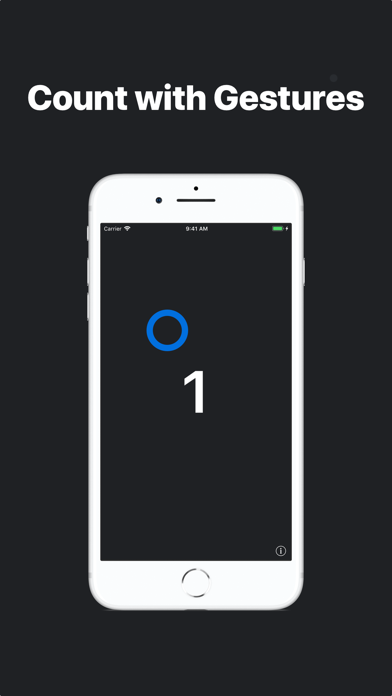
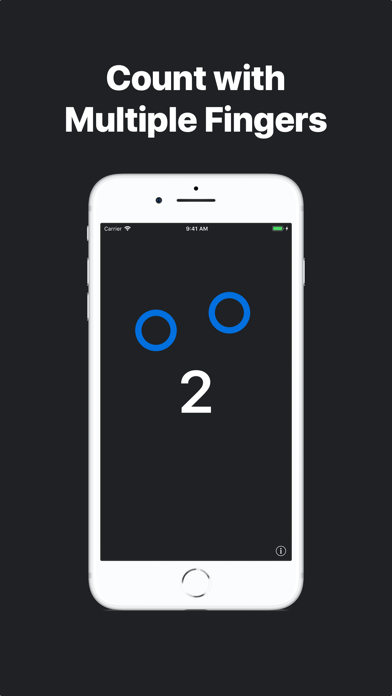
Sense: Hands-free Counting • The TrueDepth sensors on iPhone lets you count without even touching the screen. • Ideal for push-ups. Tap • Tap the screen to count once. • Tap with multiple fingers to count multiple times. Swipe • Swipe left or right to subtract from the counter. Hold • Press and hold to reset the counter. Random • Shake the device to generate a random number. Key Features: • Simple design • Multi-Touch • Sense: Hands-free counting • Generate random numbers • Count with Gestures • Multitasking Support on iPad • Audio Feedback Count has been keeping tallies since 2015. Designed by Kevin Wang.
Screenshots