Super64Pro Emulator
Super Emulation

4.3 stars1,210 reviews10,000+$3.99
SimulationEveryoneVersion 3.3.5Updated 10/18/2025, 3:56:08 AM
Open in StoreFeatures:
- Support android 5.0+ (suitable for android 13).
- Auto save, Save state and load state.
- Auto Screen orientation: Settings - Display - Screen orientation - Auto.
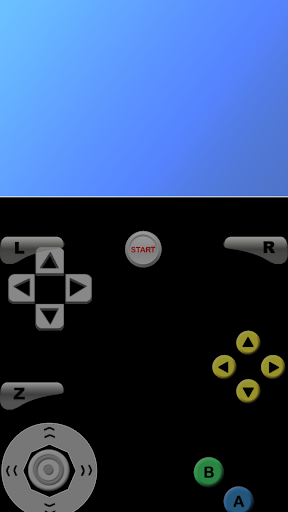
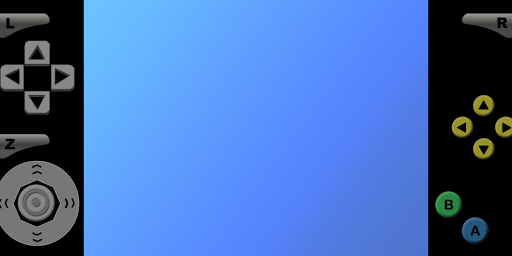
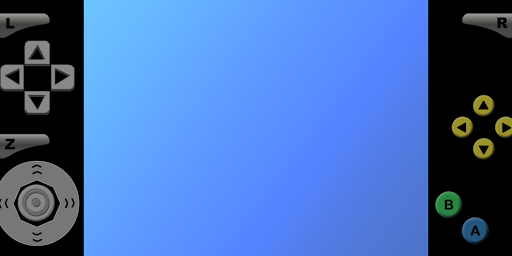
- All Controls: Analog & Dpad & L+R+Z Button (Profiles - Select Profiles - Touchscreen profile - Everything: All Controls)
- Resize Control Buttons: Settings - Touchscreen - Button scale.
- Edit Control Buttons: Profiles - Touchscreen - Copy - Rename - Edit.
- To fix graphical glitches, try changing the video plugin: Profiles - Select Profiles - Emulation profile.
- To fix lag, try changing the video setting: Settings - Display - Rendered resolution.
- For unplayable ROM, try unzipping the ROM first or trying a different version of the ROM.
- For touchscreen control issues, try changing the button scale.
- Support android 5.0+ (suitable for android 13).
- Auto save, Save state and load state.
- Auto Screen orientation: Settings - Display - Screen orientation - Auto.
- All Controls: Analog & Dpad & L+R+Z Button (Profiles - Select Profiles - Touchscreen profile - Everything: All Controls)
- Resize Control Buttons: Settings - Touchscreen - Button scale.
- Edit Control Buttons: Profiles - Touchscreen - Copy - Rename - Edit.
- To fix graphical glitches, try changing the video plugin: Profiles - Select Profiles - Emulation profile.
- To fix lag, try changing the video setting: Settings - Display - Rendered resolution.
- For unplayable ROM, try unzipping the ROM first or trying a different version of the ROM.
- For touchscreen control issues, try changing the button scale.
Developer email
superemulation.cus@gmail.com
Released
May 26, 2019
Current version
3.3.5
Android version
6.0
Reviews & Ratings
4.3
out of 5
5
4
3
2
1
🙂 Mostly positive reviews
1,210 reviewsScreenshots