Lower Brightness Pro
Wormhole Space

Have you ever set the screen brightness to the lowest but it still so bright?
If you feel the screen is so bright and you want to reduce it. You need this application called "Lower Brightness".
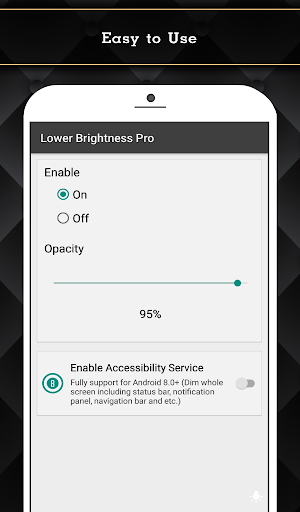
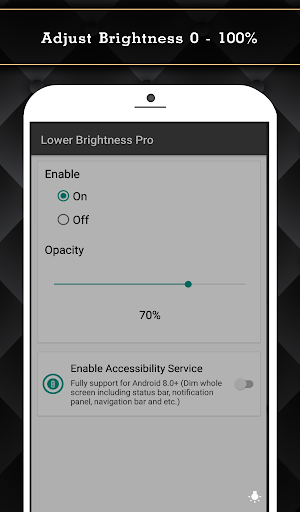
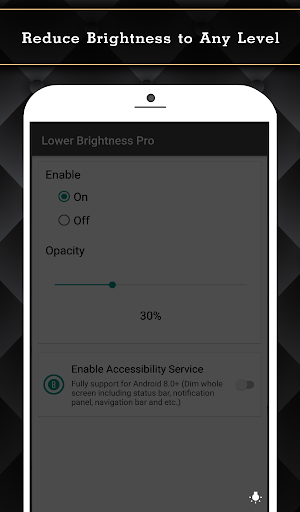
"Lower Brightness" application helps you reduce brightness to any level. You can set brightness level from 0% to 100% by just opening the application and choose brightness level you want.
Features
- Reduce screen brightness below the system minimum brightness
- Easy to use. Just enable and set the percent of brightness level (0-100%)
- Auto start after reboot
- Easy to use. Just choose percent of brightness you want to set.
- Small size of application.
- Also support devices that have the navigation bar on the screen.(home/back button at the bottom of the screen)
- Ask for permission in android 6.0+
This Pro version included:
- Ads free.
- Turn on/off and adjust brightness via notification.(Able to clear notification when service is turned off.)
- Widget on home screen with ability to control brightness.
- Fully support for Android 8.0+ (Dim whole screen including status bar, notification panel, navigation bar and etc.)
- Quick Setting Tiles for Android 7.0+
Accessibility Service Usage
Lower Brightness Pro requires accessibility service permission in order to enable core functionality.
The application will not read the sensitive data and any content on your screen. In addition, the application will not collect and share the data from accessibility service with any third-party.
By enabling the service, the application will be able to dim whole screen including status bar, notification panel, navigation bar and etc.
If you disable the accessibility service, the main features cannot work properly.
If you feel the screen is so bright and you want to reduce it. You need this application called "Lower Brightness".
"Lower Brightness" application helps you reduce brightness to any level. You can set brightness level from 0% to 100% by just opening the application and choose brightness level you want.
Features
- Reduce screen brightness below the system minimum brightness
- Easy to use. Just enable and set the percent of brightness level (0-100%)
- Auto start after reboot
- Easy to use. Just choose percent of brightness you want to set.
- Small size of application.
- Also support devices that have the navigation bar on the screen.(home/back button at the bottom of the screen)
- Ask for permission in android 6.0+
This Pro version included:
- Ads free.
- Turn on/off and adjust brightness via notification.(Able to clear notification when service is turned off.)
- Widget on home screen with ability to control brightness.
- Fully support for Android 8.0+ (Dim whole screen including status bar, notification panel, navigation bar and etc.)
- Quick Setting Tiles for Android 7.0+
Accessibility Service Usage
Lower Brightness Pro requires accessibility service permission in order to enable core functionality.
The application will not read the sensitive data and any content on your screen. In addition, the application will not collect and share the data from accessibility service with any third-party.
By enabling the service, the application will be able to dim whole screen including status bar, notification panel, navigation bar and etc.
If you disable the accessibility service, the main features cannot work properly.
Developer email
giftpatthii@gmail.com
Released
Jul 5, 2018
Current version
VARY
Android version
VARY
Reviews & Ratings
4.3
out of 5
5
4
3
2
1
🙂 Mostly positive reviews
419 reviewsScreenshots