eParakstsLV
VAS Latvijas Valsts radio un televīzijas centrs

3.3 stars298 reviews100,000+Free
ProductivityEveryoneVersion 1.1.0Updated 1/23/2026, 9:52:38 AM
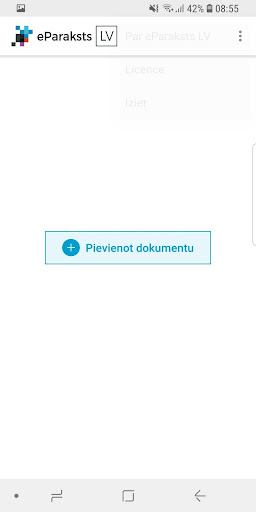
Open in StoreThe mobile app eParakstsLV provides signing of documents with a secure electronic signature on the wiser device, as well as checking already signed documents. To sign documents in the eParakstsLV app, you need to purchase the eParaksts mobile app and create an eParaksta password at eParaksts.lv.
When signing up, the app must verify the identity by entering the e-Identity PIN used in the eParaksts mobile app. Once the e-Identity has been verified, you will be able to e-mail the document by entering the eParaksta password created by eParaksts.lv.
You can send a signed document to the addressee by e-mail, as well as in the apps available on the smartphone, or you can store it in the most convenient file-sharing service. Similarly, signed documents will remain in your profile at eParaksts.lv 24 h.
To apply for the eParaksts mobile, as well as to get additional information about eParakstsLV and other e-mail tools, go to www.eParaksts.lv.
When signing up, the app must verify the identity by entering the e-Identity PIN used in the eParaksts mobile app. Once the e-Identity has been verified, you will be able to e-mail the document by entering the eParaksta password created by eParaksts.lv.
You can send a signed document to the addressee by e-mail, as well as in the apps available on the smartphone, or you can store it in the most convenient file-sharing service. Similarly, signed documents will remain in your profile at eParaksts.lv 24 h.
To apply for the eParaksts mobile, as well as to get additional information about eParakstsLV and other e-mail tools, go to www.eParaksts.lv.
Developer email
eparaksts@eparaksts.lv
Developer website
https://www.eparaksts.lvReleased
Aug 30, 2018
Current version
1.1.0
Android version
10
Reviews & Ratings
3.3
out of 5
5
4
3
2
1
⚠️ Users report mixed experiences
298 reviewsScreenshots