Pie Launcher version 2026
Beauty Apps Studio

4.6 stars30,675 reviews1,000,000+Free
PersonalizationEveryoneVersion 13.6Updated 5/23/2026, 6:53:53 PM
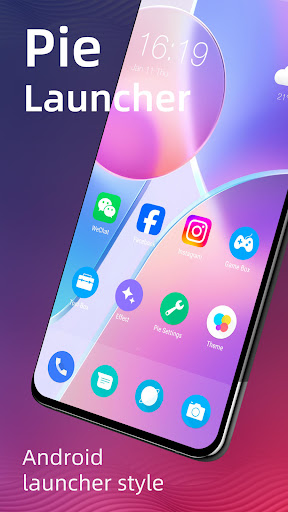
Open in Store🔥 Pie Launcher is inspired by Android™ 11, Android 16 launcher, adding many useful features, Pie Launcher make your phone look modern, and let you use Android 11/12/13/14/15/16 launcher features in the first place.
👍 Pie Launcher features:
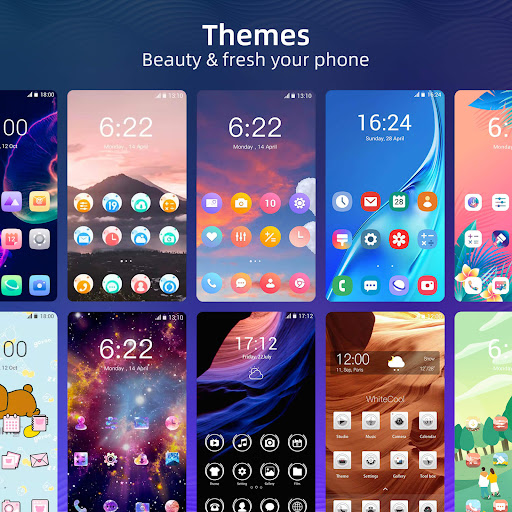
> Theme support, more than 1000+ cool themes
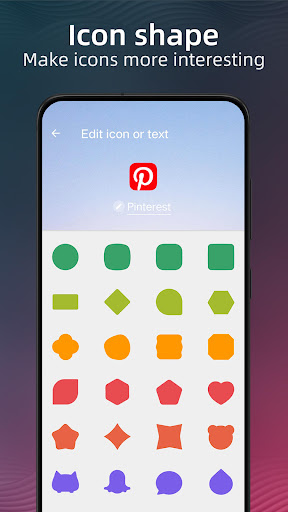
> Icon pack support, support most of the icon pack in Google Play Store
> Base on Android 11, Android 16 launcher code, can run on all Android 5.0+ devices
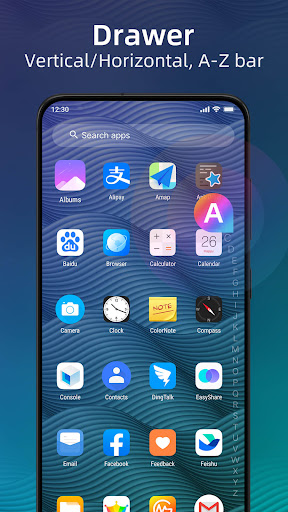
> Apps drawer is vertical mode by default, it also support horizontal mode
> Pie Launcher support hide unused or private apps
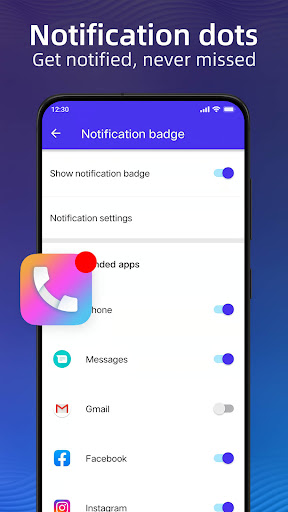
> Pie Launcher support notification dots
> Pie Launcher support ✌️gestures, such as swipe down/up, pinch in/out, double tap, swipe down/up(two fingers)
> Pie Launcher support handy ✌️Gesture feature in Android launcher P 9.0: Swipe up for all app drawer, Swipe down back to desktop
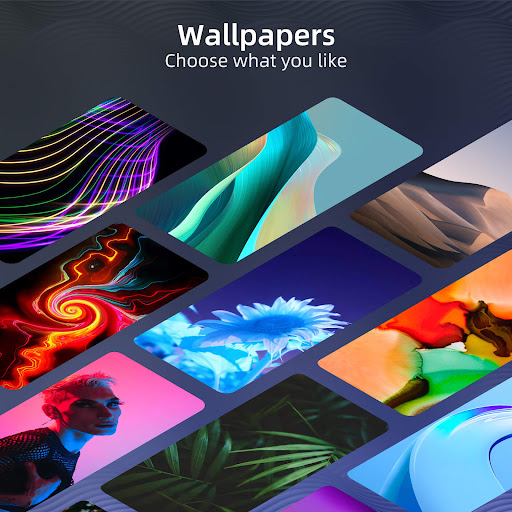
> Many beautiful online wallpapers for your choice
> Many options, you can change grid size, icon size, label size and color, etc
> You can lock desktop to avoid being messed up
> Drawer background support light, dark, blur, transparent and custom
> Dock background support rectangle, rounded, arc, platform or none
> Search bar support various style, you have the choice
> Wallpaper scrolling or not option
> Latest Android widgets drawer
Notice:
1. Android™ is a registered trademark of Google, Inc. Pie Launcher is inspired by Android Launcher, but please be noted that it is NOT Google official product.
❤️ We are working hard to make Pie Launcher better, please rate us if you like, thanks!
👍 Pie Launcher features:
> Theme support, more than 1000+ cool themes
> Icon pack support, support most of the icon pack in Google Play Store
> Base on Android 11, Android 16 launcher code, can run on all Android 5.0+ devices
> Apps drawer is vertical mode by default, it also support horizontal mode
> Pie Launcher support hide unused or private apps
> Pie Launcher support notification dots
> Pie Launcher support ✌️gestures, such as swipe down/up, pinch in/out, double tap, swipe down/up(two fingers)
> Pie Launcher support handy ✌️Gesture feature in Android launcher P 9.0: Swipe up for all app drawer, Swipe down back to desktop
> Many beautiful online wallpapers for your choice
> Many options, you can change grid size, icon size, label size and color, etc
> You can lock desktop to avoid being messed up
> Drawer background support light, dark, blur, transparent and custom
> Dock background support rectangle, rounded, arc, platform or none
> Search bar support various style, you have the choice
> Wallpaper scrolling or not option
> Latest Android widgets drawer
Notice:
1. Android™ is a registered trademark of Google, Inc. Pie Launcher is inspired by Android Launcher, but please be noted that it is NOT Google official product.
❤️ We are working hard to make Pie Launcher better, please rate us if you like, thanks!
Developer email
beautyappsstudio@gmail.com
Released
Jun 23, 2018
Current version
13.6
Android version
5.0
Reviews & Ratings
4.6
out of 5
5
4
3
2
1
😊 Highly rated by users
30,675 reviewsScreenshots