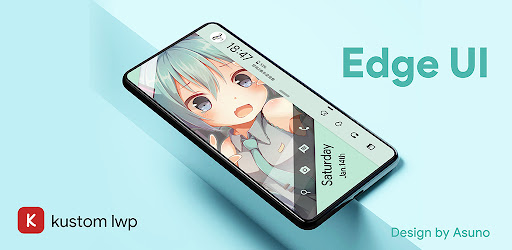
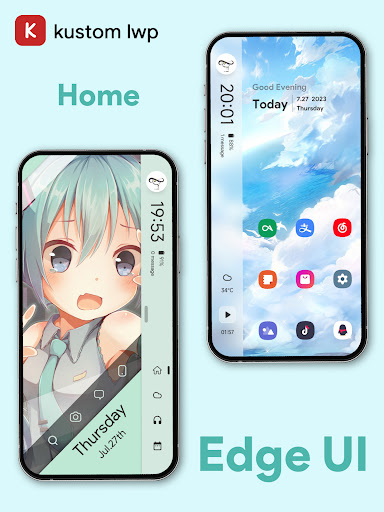
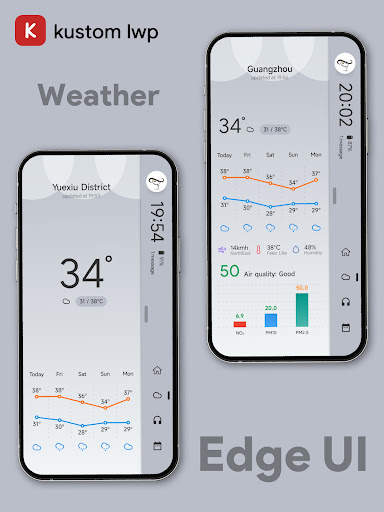
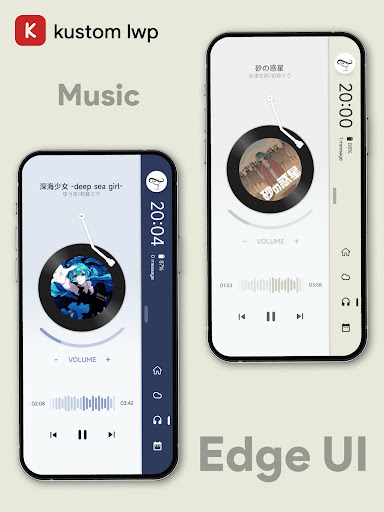
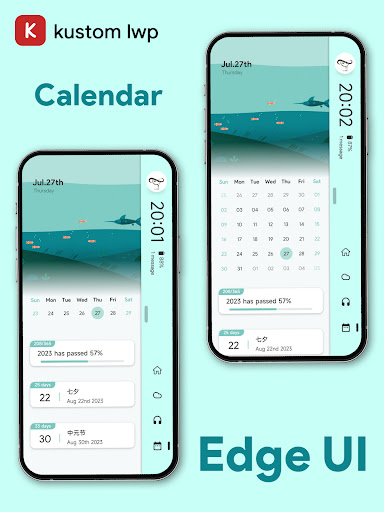
EdgeUI For KLWP
MTheme

3.2 stars251 reviews10,000+$0.99
PersonalizationEveryone 10+Version 7.5.0-GlobalUpdated 4/27/2026, 7:12:07 PM
Open in Store- Installation Tutorial Video
https://www.youtube.com/watch?v=Be1u4xIF440
- Please join the discord server if you have any questions
https://discord.gg/SWaH6jBjCU
**This is not a standalone application**
If you don't have the following apps, please install the following apps first:
- KLWP
https://play.google.com/store/apps/details?id=org.kustom.wallpaper
- Nova Launcher
https://play.google.com/store/apps/details?id=com.teslacoilsw.launcher
Install
(0. Install KLWP and Nova Launcher)
1. Open the app.
2. In the menu, select Widgets and the theme will be displayed.
3. Click and jump to KLWP.
4. After the template is loaded, tap the "Save" icon to apply the template and then set KLWP as your wallpaper.
Notice
- Tablet devices are not supported.
- Landscape mode is not supported.
- The number of screen pages needs to be equal or more than 2 pages.
https://www.youtube.com/watch?v=Be1u4xIF440
- Please join the discord server if you have any questions
https://discord.gg/SWaH6jBjCU
**This is not a standalone application**
If you don't have the following apps, please install the following apps first:
- KLWP
https://play.google.com/store/apps/details?id=org.kustom.wallpaper
- Nova Launcher
https://play.google.com/store/apps/details?id=com.teslacoilsw.launcher
Install
(0. Install KLWP and Nova Launcher)
1. Open the app.
2. In the menu, select Widgets and the theme will be displayed.
3. Click and jump to KLWP.
4. After the template is loaded, tap the "Save" icon to apply the template and then set KLWP as your wallpaper.
Notice
- Tablet devices are not supported.
- Landscape mode is not supported.
- The number of screen pages needs to be equal or more than 2 pages.
Developer email
mtheme1231@gmail.com
Developer website
https://bento.me/moranReleased
Jul 27, 2023
Current version
7.5.0-Global
Android version
7.0
Reviews & Ratings
3.2
out of 5
5
4
3
2
1
😐 Reviews are mixed
251 reviewsScreenshots