Screen Mirroring + Chromecast
2kit consulting

4.5 stars1,242 reviews10,000+$4.99
ToolsEveryoneVersion 1.34Updated 5/2/2026, 8:00:24 AM
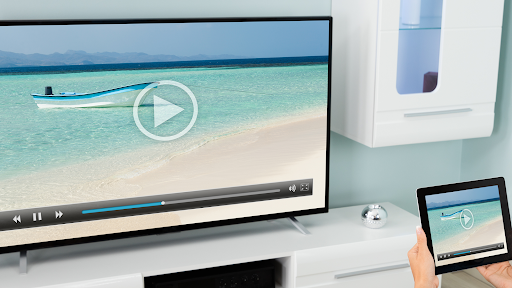
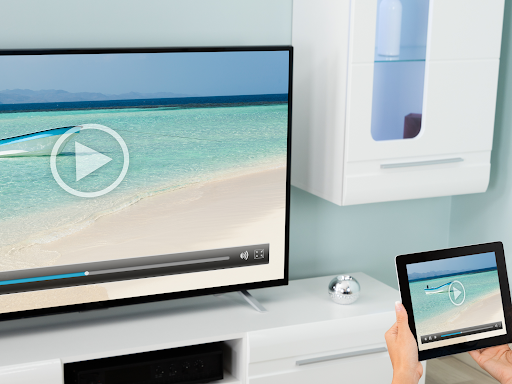
Open in StoreMirror your screen in real-time with HD quality to Chromecast and Android TV. Share your screen on any Chromecast and Smart TVs with Chromecast built-in (Google Cast), such as Xiaomi Mi TV, Sony Bravia TV, TCL TV, Vizio TV, Hisense TV, Philips TV, Sharp TV or NVidia Shield Gaming Console..
Screen Mirroring is the most powerful screen sharing tool. Share your photos, videos, games, websites, apps, presentations and documents with your friends and family.
* Best device support: The app supports all Android devices with Android 5.0+ and all Chromecast and Android TVs.
* Super easy and unified setup on all Android devices. No need to change Android settings or Wi-Fi options.
* Performance is best when you have good Wi-Fi network conditions. 5Ghz Wi-Fi is recommended.
* Sound is supported on Android 10+
* For support or feedback, please contact us via e-mail to info@screenmirroring.app
This app is brought to you by the developers of VIDEO & TV CAST, the #1 video casting app in the world with more than 100.000.000 downloads across all platforms and devices.
Disclaimer: This app is not affiliated with any of the trademarks mentioned here. This app was not created or endorsed by Google.
Screen Mirroring is the most powerful screen sharing tool. Share your photos, videos, games, websites, apps, presentations and documents with your friends and family.
* Best device support: The app supports all Android devices with Android 5.0+ and all Chromecast and Android TVs.
* Super easy and unified setup on all Android devices. No need to change Android settings or Wi-Fi options.
* Performance is best when you have good Wi-Fi network conditions. 5Ghz Wi-Fi is recommended.
* Sound is supported on Android 10+
* For support or feedback, please contact us via e-mail to info@screenmirroring.app
This app is brought to you by the developers of VIDEO & TV CAST, the #1 video casting app in the world with more than 100.000.000 downloads across all platforms and devices.
Disclaimer: This app is not affiliated with any of the trademarks mentioned here. This app was not created or endorsed by Google.
Developer email
info@screenmirroring.app
Developer website
https://screenmirroring.app/chromecastReleased
Oct 18, 2022
Current version
1.34
Android version
7.0
Reviews & Ratings
4.5
out of 5
5
4
3
2
1
😊 Highly rated by users
1,242 reviewsScreenshots